.svg)

Let’s be honest. Your resume is not being read by a human first.
Before a recruiter ever sees your name, your resume is scanned, parsed, scored, filtered, and sometimes rejected by AI systems like ATS and resume-screening algorithms. That does not mean you need to “game” the system or turn your resume into a robotic keyword dump.
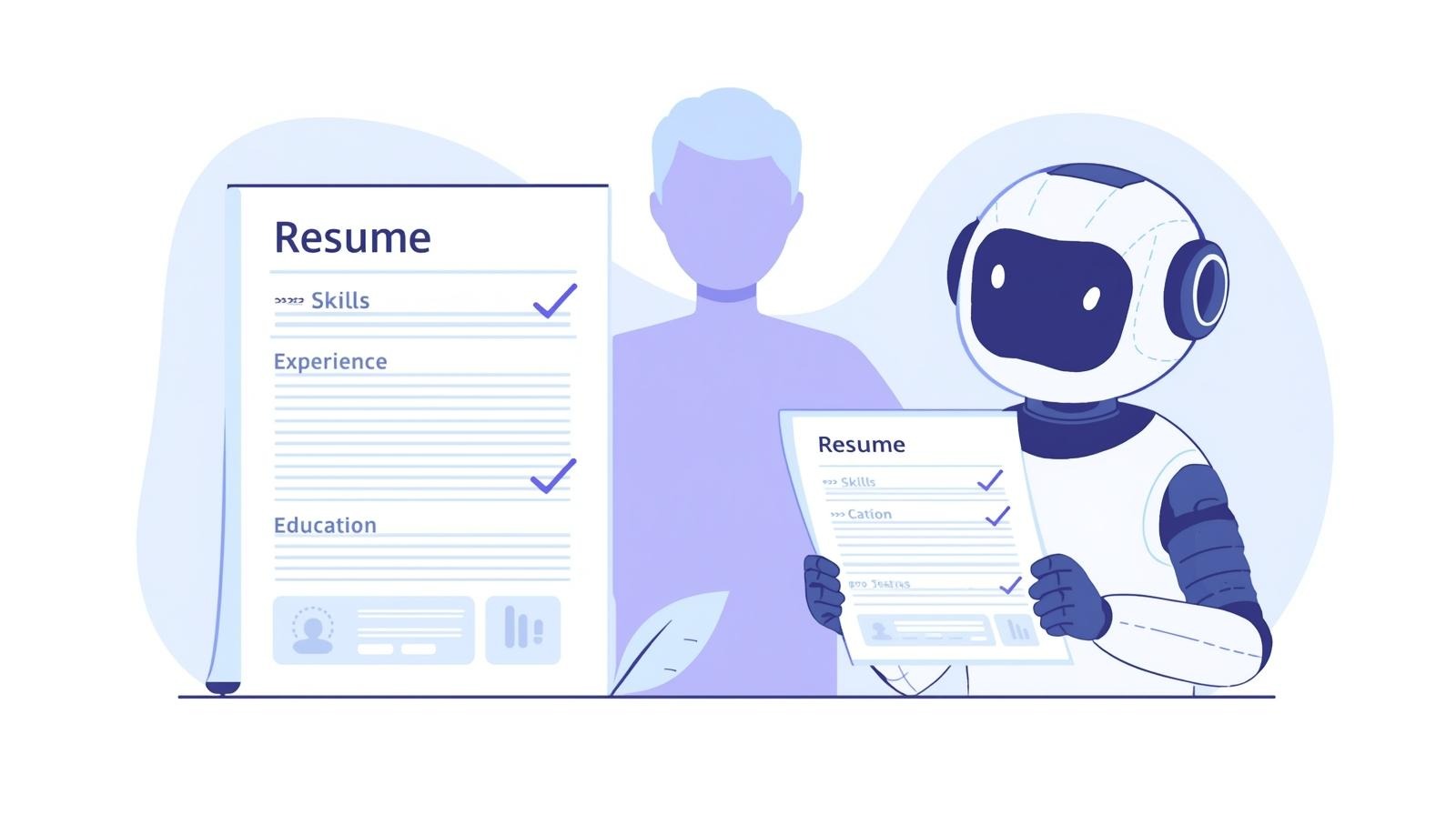
It means you need to understand how these systems think and write your resume so both AI and humans like it. This guide is written from the reader’s point of view. No fluff. No generic advice. Just practical steps you can actually use today.
First, how AI actually reads your resume
Most people imagine AI reading resumes like a human. That is not how it works.
Here is what usually happens behind the scenes:
- Your resume file is uploaded
- The system parses it into sections like skills, experience, education
- It extracts keywords and job titles
- It compares those against the job description
- It assigns a relevance score
- Only high-scoring resumes reach a recruiter
If the AI cannot correctly read your resume, it does not matter how good you are. So the real goal is simple: Make your resume easy for machines to understand and easy for humans to like.
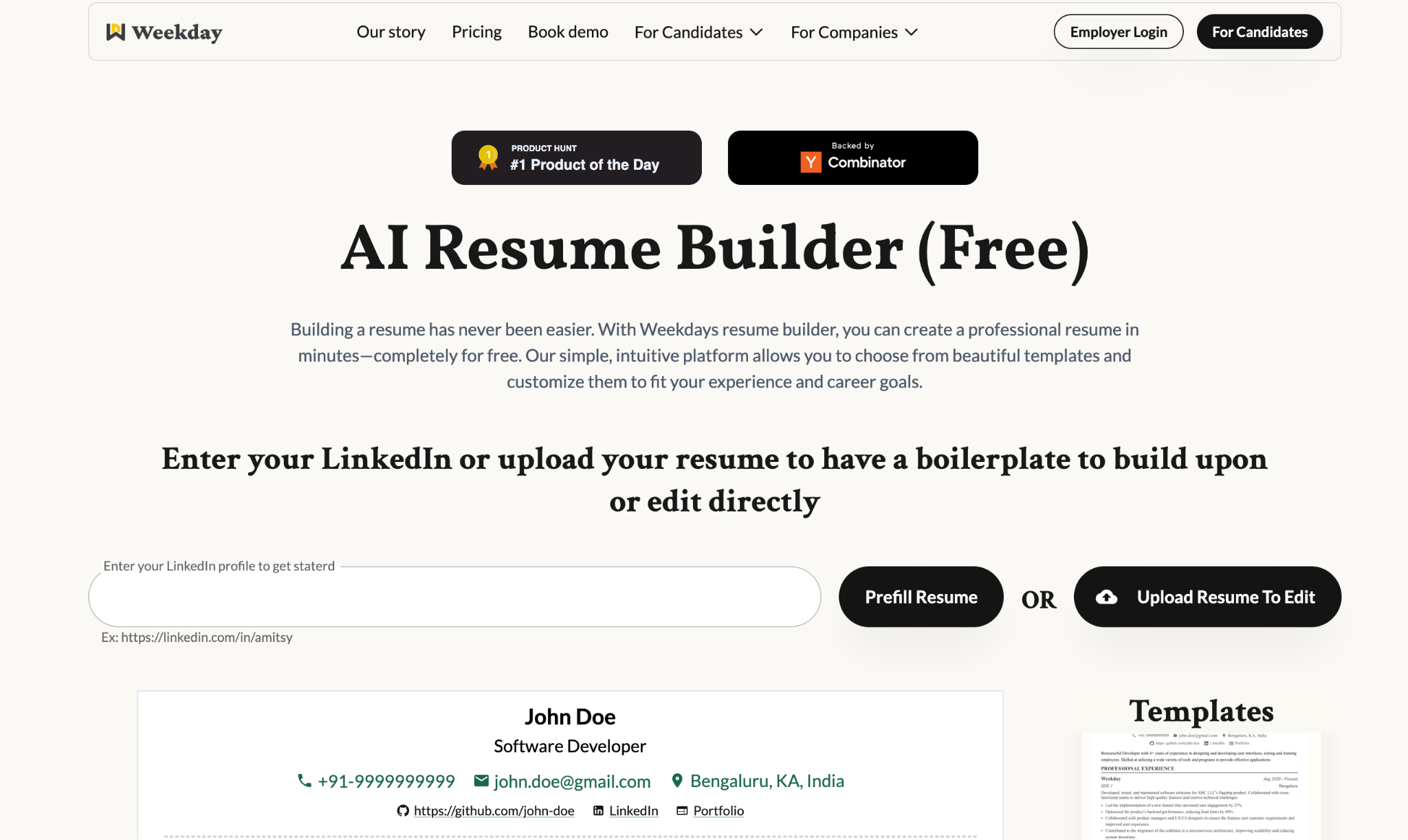
Weekday’s Resume Builder
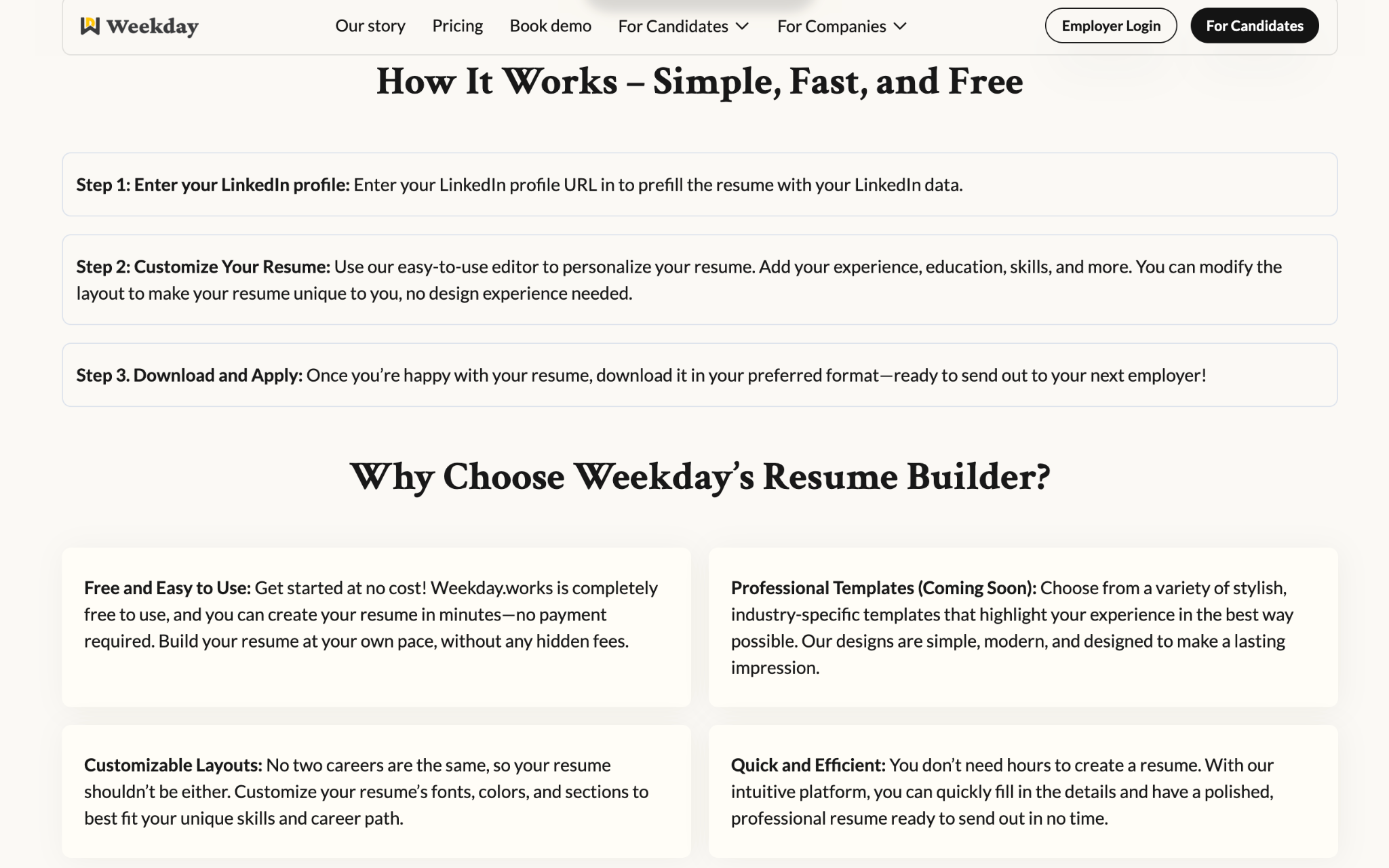
The safest way to avoid ATS rejections is to start with a format built for them. Weekday’s Resume Builder uses clean layouts, correct section hierarchy, and recruiter-friendly formatting, so your resume stays readable for AI systems and hiring managers alike. You can access the link here 👉 https://www.weekday.works/resume-builder
Step 1: Use a boring format on purpose
This is where most people fail.
What AI loves
- Single column layout
- Standard section headings
- Left-aligned text
- Consistent formatting
- Plain structure
What AI struggles with
- Two column resumes
- Text boxes
- Tables
- Icons instead of words
- Fancy timelines
- Headers and footers with important info
If your resume looks like a design portfolio, AI might misread it completely.
Rule of thumb:
If you are applying online, choose clarity over creativity. You can still use a visually designed resume for referrals or direct emails. Your ATS resume should be boring and effective.
Step 2: Use standard section names only
AI is trained to recognize specific section labels.
Use these exact or very close terms:
- Summary or Professional Summary
- Work Experience
- Skills
- Education
- Certifications
- Projects
Avoid creative alternatives like:
- What I bring to the table
- My journey
- Things I am good at
Humans may like those. AI does not.
Step 3: Keywords matter but context matters more
Yes, keywords are important. No, you should not stuff them randomly.
How to find the right keywords
- Read the job description carefully
- Highlight:
- Job titles
- Skills
- Tools
- Technologies
- Action verbs
- Notice what appears multiple times
Those repeated terms are what the AI is scoring against.
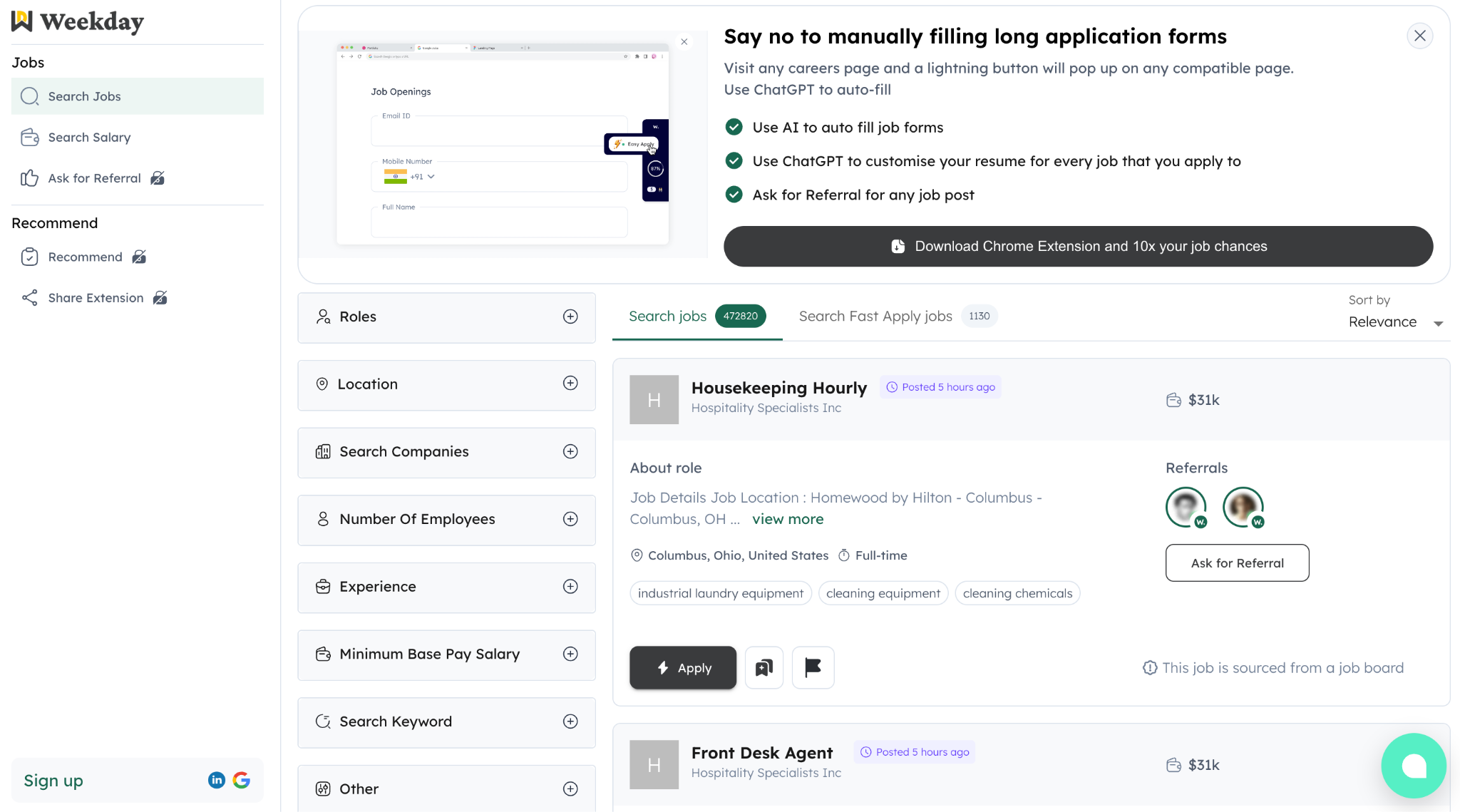
Looking at real job descriptions instead of generic advice makes this much easier, here is a ready to use tool by Weekday for this task: https://jobs.weekday.works/?jobsTab=search
How to use keywords correctly
Bad example:
Skills: SQL, Python, Analytics
Good example:
Built dashboards using SQL and Python to analyze user retention and conversion metrics
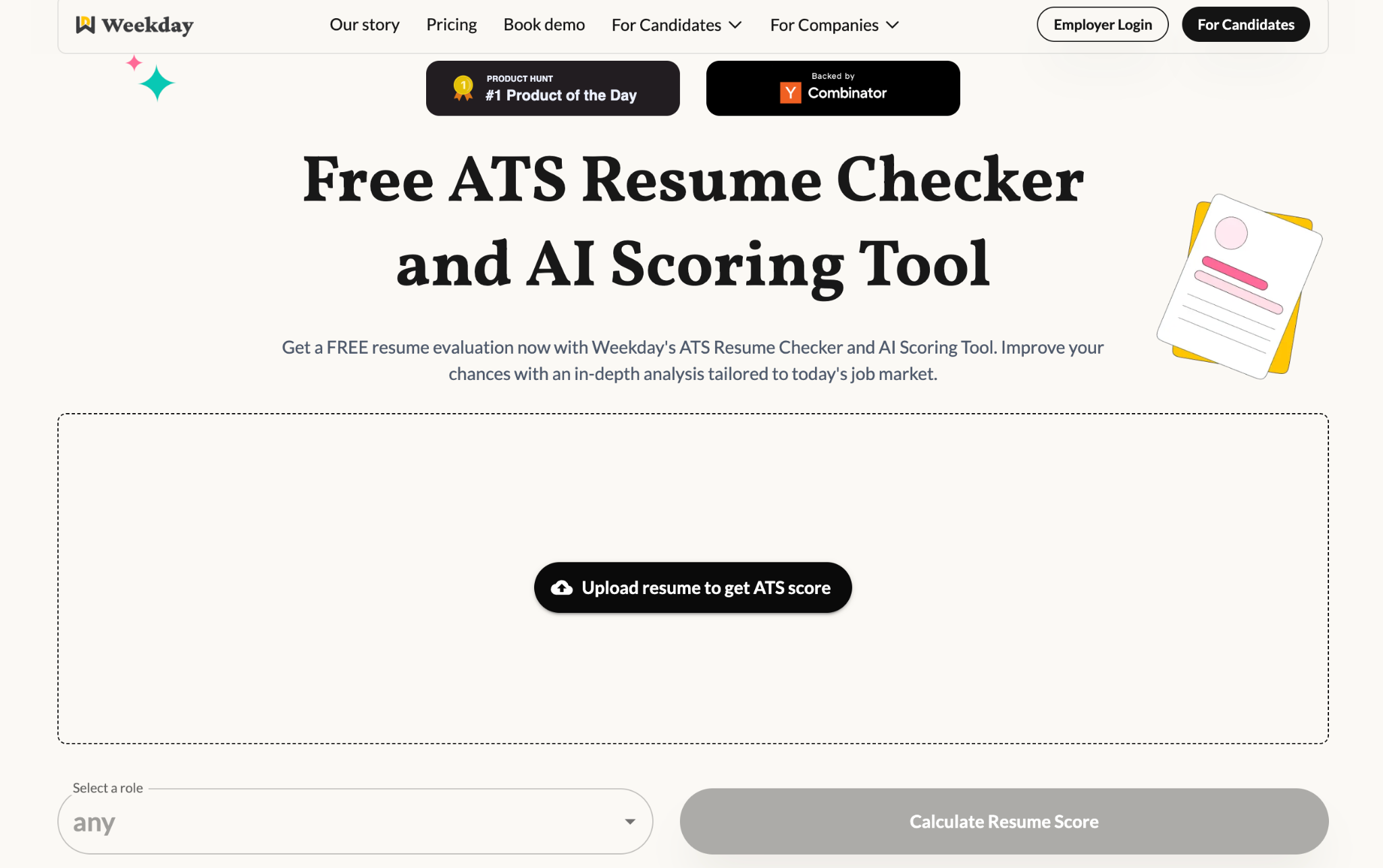
AI looks for skills used in context, not just listed. To see how well your resume actually matches a job description, run a quick AI/ATS scan: https://www.weekday.works/resume-checker-and-scoring-tool
Step 4: Match job titles but stay honest
AI systems heavily weight job titles. If your official title was vague, you can clarify it without lying.
Example:
- Official title: Analyst
- Better on resume: Product Analyst
As long as the responsibilities match, this is acceptable and common.
What you should not do:
- Calling yourself a Product Manager if you were not doing PM work
- Inflating seniority levels
Accuracy still matters when a human reads it.
Step 5: Write experience like data, not duties
AI prefers measurable impact. So do recruiters.
Compare these two bullets:
❌ Bad
Responsible for analyzing data and making reports
✅ Good
Analyzed product usage data using SQL and reduced churn by 12 percent through feature insights
The second one:
- Uses keywords
- Shows action
- Shows outcome
- Is easier to score highly
When possible, include:
- Numbers
- Percentages
- Scale
- Frequency
Even rough estimates are better than nothing.
Step 6: Keep skills section clean and structured
Your skills section should be scannable in under 5 seconds.
Best practice:
- Group skills by category
Example:
- Data: SQL, Excel, Python
- Analytics: A/B Testing, Funnel Analysis, Cohort Analysis
- Tools: GA4, Mixpanel, Tableau
Avoid:
- Long sentences
- Paragraphs
- Mixing soft skills with technical skills
AI is much better at parsing lists than paragraphs.
Step 7: Choose the right file type
This is small but important.
Best formats:
- PDF (text-based, not scanned)
- DOCX
Avoid:
- Image-only PDFs
- Canva exports with complex layers
- Screenshots of resumes
If you cannot select text in your resume, AI probably cannot read it properly either.
Step 8: Do not hide keywords in white text
This used to work years ago. It does not anymore.
Modern systems can detect keyword stuffing and manipulation. Some companies automatically reject resumes that try to game the system. Focus on relevance, not tricks.
Step 9: Write a summary that actually helps AI
Your summary is prime real estate.
Good summary:
- 3 to 4 lines
- Includes role, experience level, core skills
- Matches the target job
Example:
Product Analyst with 2+ years of experience in user analytics, experimentation, and dashboarding. Skilled in SQL, Python, and A/B testing to drive product decisions and growth.
This helps:
- AI quickly classify your profile
- Recruiters instantly understand who you are
Step 10: Test your resume like a machine would
Before applying:
- Copy paste your resume into a plain text editor
- See if it still makes sense
- Check if sections and bullets are readable
If it breaks in plain text, it will likely break in an ATS.
You can also:
- Compare your resume against the job description
- Check how many key terms overlap naturally
Common myths about AI-friendly resumes
Myth: One resume works for all jobs
Reality: Tailored resumes perform significantly better
Myth: More keywords equals better score
Reality: Contextual relevance matters more
Myth: AI hates PDFs
Reality: AI hates unreadable PDFs, not PDFs themselves
Final checklist before you apply
Before hitting submit, ask yourself:
- Is this resume easy to read without design elements?
- Are the section headings standard?
- Do my skills appear naturally in my experience?
- Does my job title align with the role I want?
- Can AI understand what I actually did?
If the answer is yes, you are ahead of most applicants.
What to Do After Your Resume Is ATS-Ready
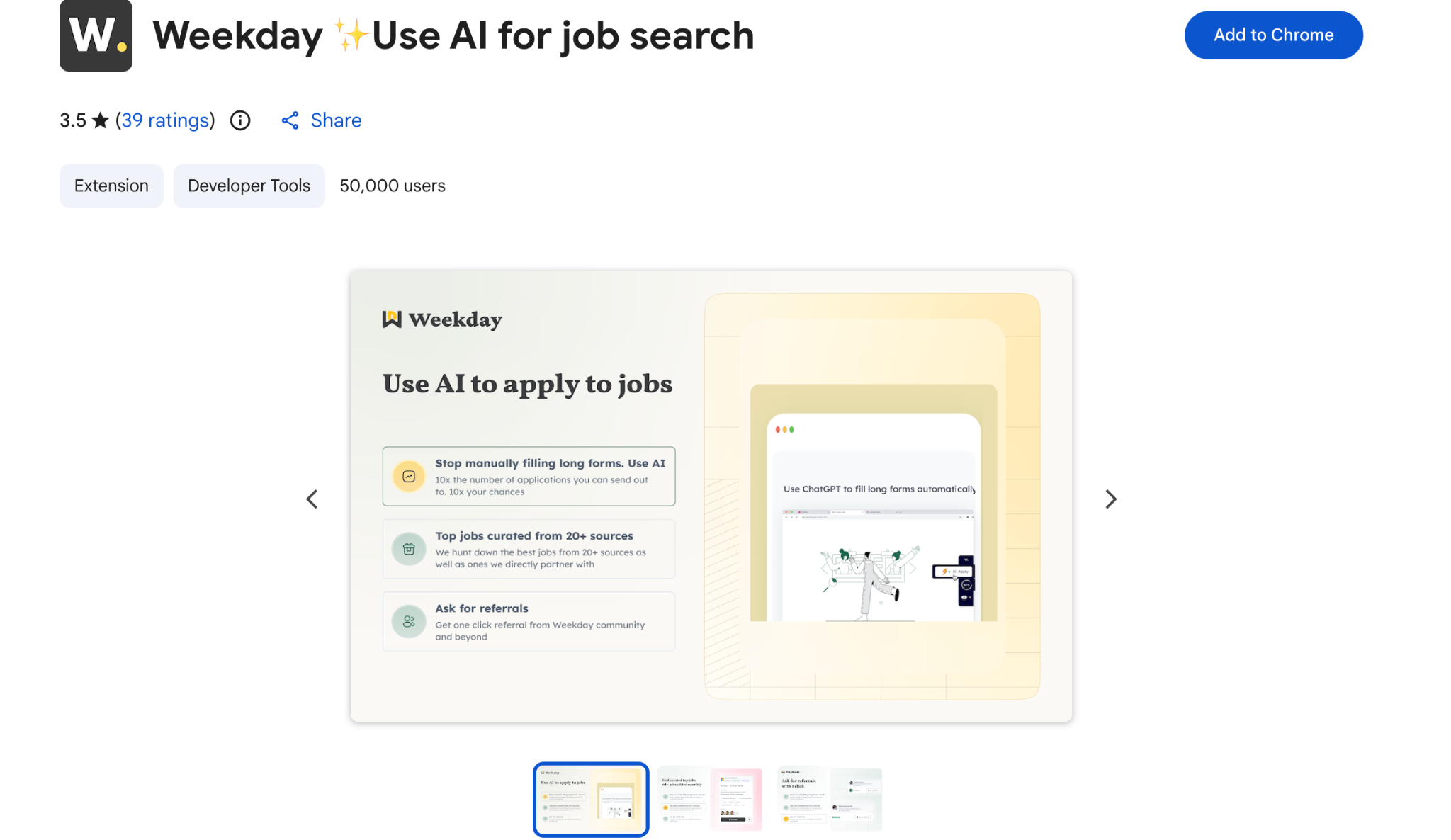
Once your resume is in good shape, the next challenge is staying consistent with applications without exhausting yourself. Tailoring resumes and filling out forms role after role can get repetitive fast. Tools that speed this up without cutting corners can make a real difference. Weekday’s Chrome extension helps you customize and apply faster, so you can focus on applying thoughtfully rather than mechanically. 👉https://chromewebstore.google.com/detail/weekday-%E2%9C%A8use-ai-for-job-s/figlaioomchnkcajbbkfdgjgfdkfgmdg
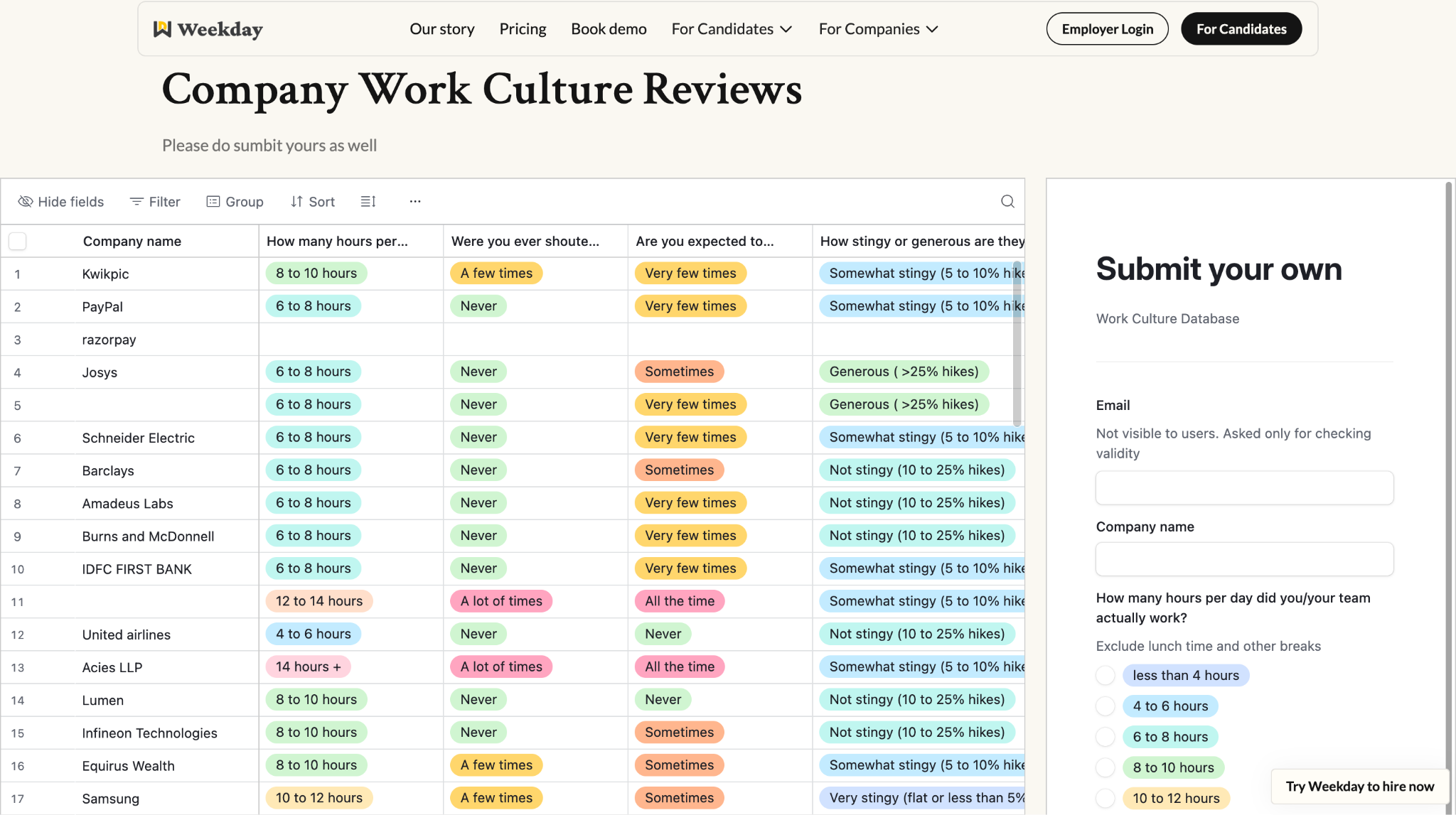
Applying is only one part of the decision. Knowing where you’re applying matters just as much. Before committing to interviews or accepting an offer, understanding a company’s work culture can save you from unpleasant surprises later. Weekday’s company culture reviews give you a clearer picture of what day-to-day work actually looks like, beyond job descriptions and brand messaging. 👉 https://www.weekday.works/company-work-culture-reviews
A resume that works is not about impressing systems. It’s about removing small obstacles so your work speaks for itself. When the process becomes simpler, your skills finally get the attention they deserve.