%20(2).jpg)
A practical, no fluff guide that helps your resume get seen by humans
Let’s be honest.
Most resumes do not get rejected because the candidate is bad. They get rejected because a machine could not read them properly.
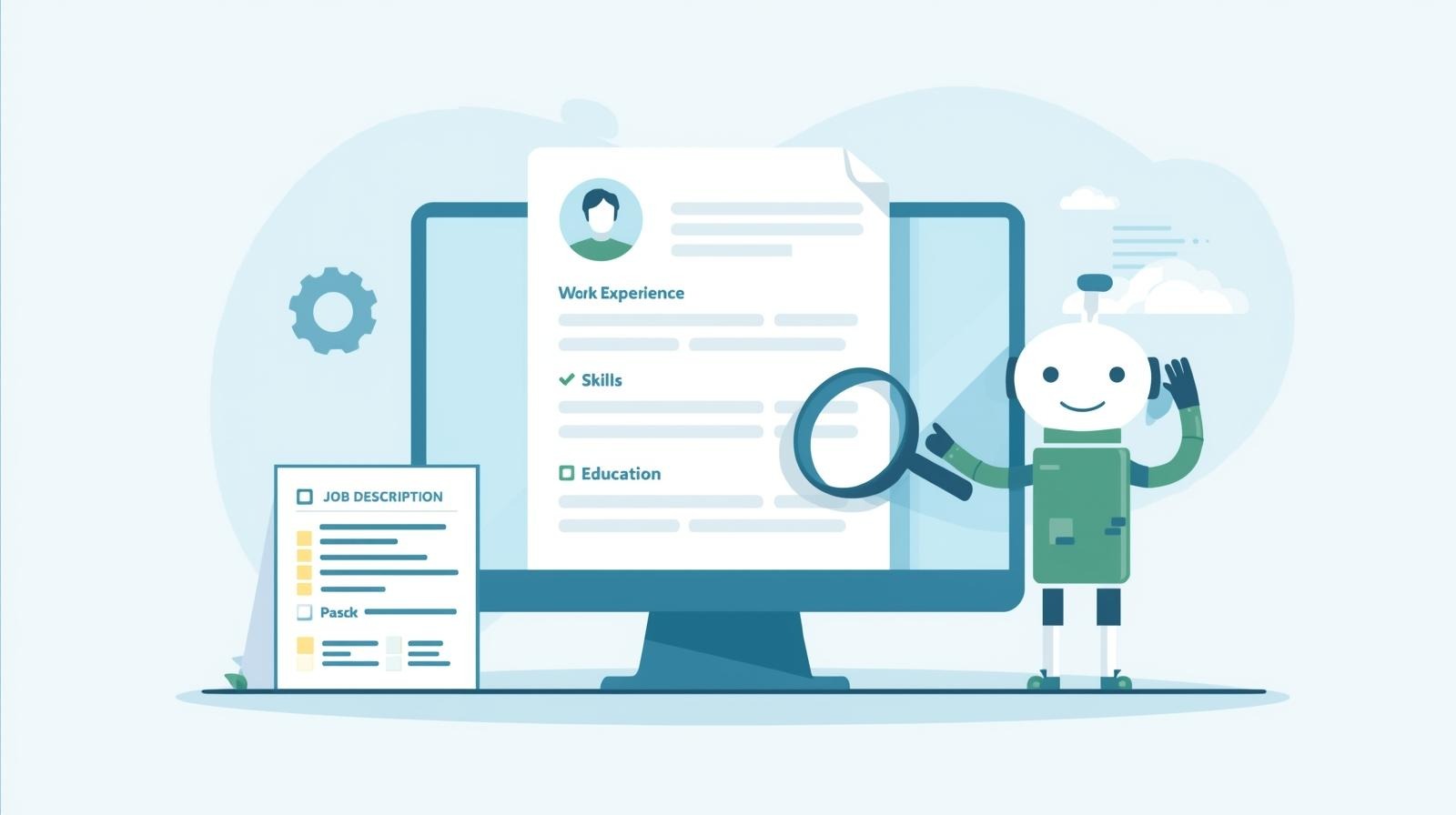
That machine is an ATS, or Applicant Tracking System.
If your resume does not pass ATS, a recruiter never even sees it. No feedback. No rejection email. Just silence.
This guide is written exactly how I would want it explained to me. No vague advice. No resume myths. Just clear steps you can follow today to make your resume ATS friendly without killing your personality.
First, understand what ATS actually does (and what it does not)
An ATS is not some magical AI judging your career choices. It does three very boring things:
- It parses your resume. That means it tries to read your content and put it into boxes like name, skills, job titles, dates.
- It matches keywords from your resume against the job description.
- It filters or ranks resumes based on how closely they match.
That’s it.
It does not care about:
- Fancy design
- Colours
- Icons
- Creativity
- How unique your font is
In fact, all of that usually hurts you. Your goal is simple. Make your resume easy for a machine to read and obvious for a human to scan.
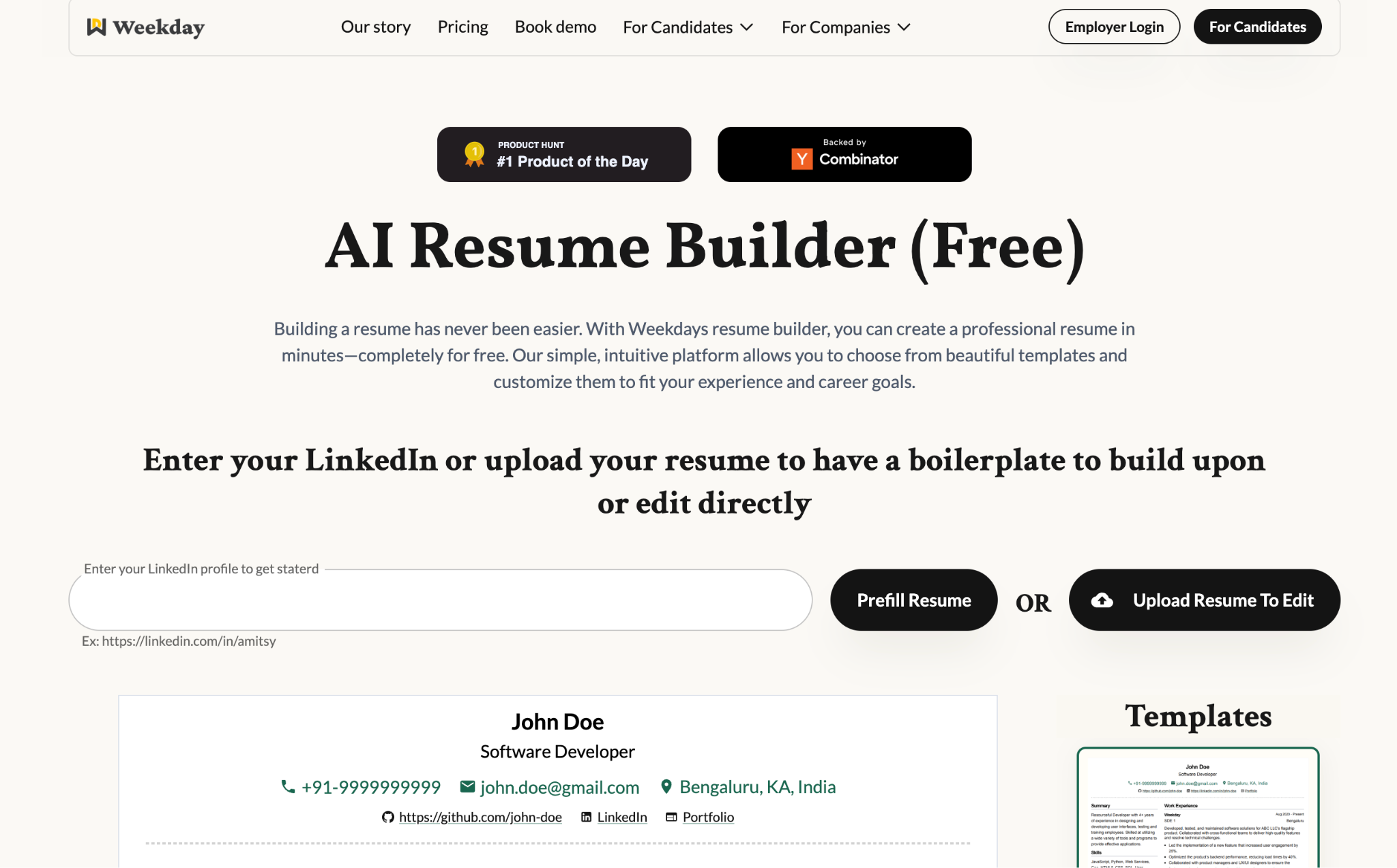
Weekday’s Resume Builder
Weekday’s Resume Builder keeps things simple where it matters most. It uses clean, ATS-safe formats, clear section structure, and recruiter-friendly layouts so your resume is read correctly by ATS systems and still feels easy on human eyes. Instead of guessing what works, you start with a format that removes friction from the hiring process and lets your experience speak clearly. If you want to avoid formatting mistakes from the start, using a clean, ATS-safe resume template helps a lot: https://www.weekday.works/resume-builder
The biggest ATS mistake people make (and probably you too)
Designing the resume for humans first.
Most people:
- Pick a Fancy template
- Add icons for phone and email
- Put skills in progress bars
- Split the page into two columns
- Use fancy section headings
It looks great. And the ATS reads it like a corrupted PDF. If you remember only one thing from this article, remember this:
ATS prefers boring. Recruiters prefer clear. Both hate confusion.
The safest ATS resume format (that actually works)
If you want a format that works for almost every ATS out there, use this:
1. Single column layout
Always. No exceptions.
Why?
Multi column resumes often get read left to right instead of top to bottom. Your experience may get mixed with your skills or dates.
2. Standard section headings
Use exactly what ATS expects.
Good headings:
- Summary
- Work Experience
- Skills
- Education
- Certifications
- Projects
Avoid:
- My Journey
- What I Bring to the Table
- Areas of Awesomeness
Creativity belongs in the content, not the headings.
3. Simple fonts only
Use fonts that every system understands:
- Arial
- Calibri
- Helvetica
- Times New Roman
Font size:
- Body text: 10.5 to 11.5
- Headings: 13 to 15
4. Save as PDF (most of the time)
PDF is usually safe unless the company explicitly asks for Word.
Never upload:
- Images
- Scanned resumes
- Design heavy PDFs
Keywords are not a hack. They are the whole game.
ATS works on keyword matching. But most people do this wrong.
They either:
- Stuff keywords unnaturally
or - Miss the important ones entirely
Step 1: Read the job description like a machine
Copy the job description into a document and look for:
- Skills repeated multiple times
- Tools and software
- Job titles
- Core responsibilities
If a word appears more than once, it matters.
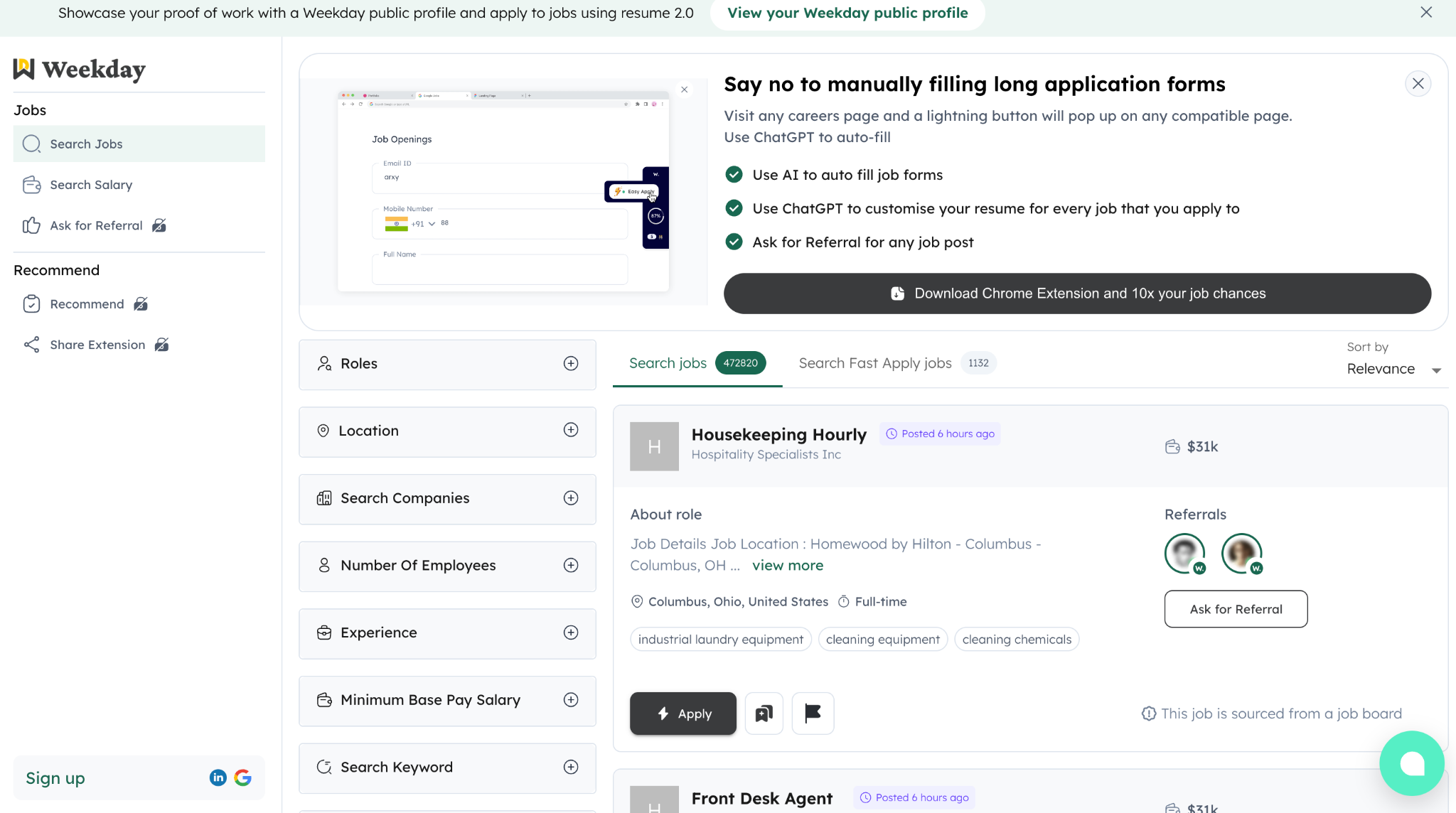
Actively browsing real job descriptions helps you see what companies actually look for, not what generic advice claims they want. Weekday’s job search lets you study live roles, spot recurring skills and titles, and align your resume with real hiring signals instead of assumptions. If you are actively browsing roles, looking at real job descriptions helps you understand what keywords employers actually care about:
https://jobs.weekday.works/?jobsTab=search
Example:
If the job description repeats:
- Product roadmap
- Stakeholder management
- SQL
- A/B testing
Those exact phrases should appear somewhere in your resume if you genuinely have that experience.
Step 2: Match language, not synonyms
ATS is literal.
If the job says:
- “Data analysis”
Do not replace it everywhere with:
- “Insights generation”
Use the same wording at least once.
You can still write well, just anchor your language to the job description.
Step 3: Skills section is not optional
Always include a dedicated Skills section.
Bad:
- Skills scattered randomly in paragraphs
Good:
- A clean bullet list of skills using exact keywords
Example:
Skills
- SQL
- Google Analytics
- Product Analytics
- A/B Testing
- Stakeholder Management
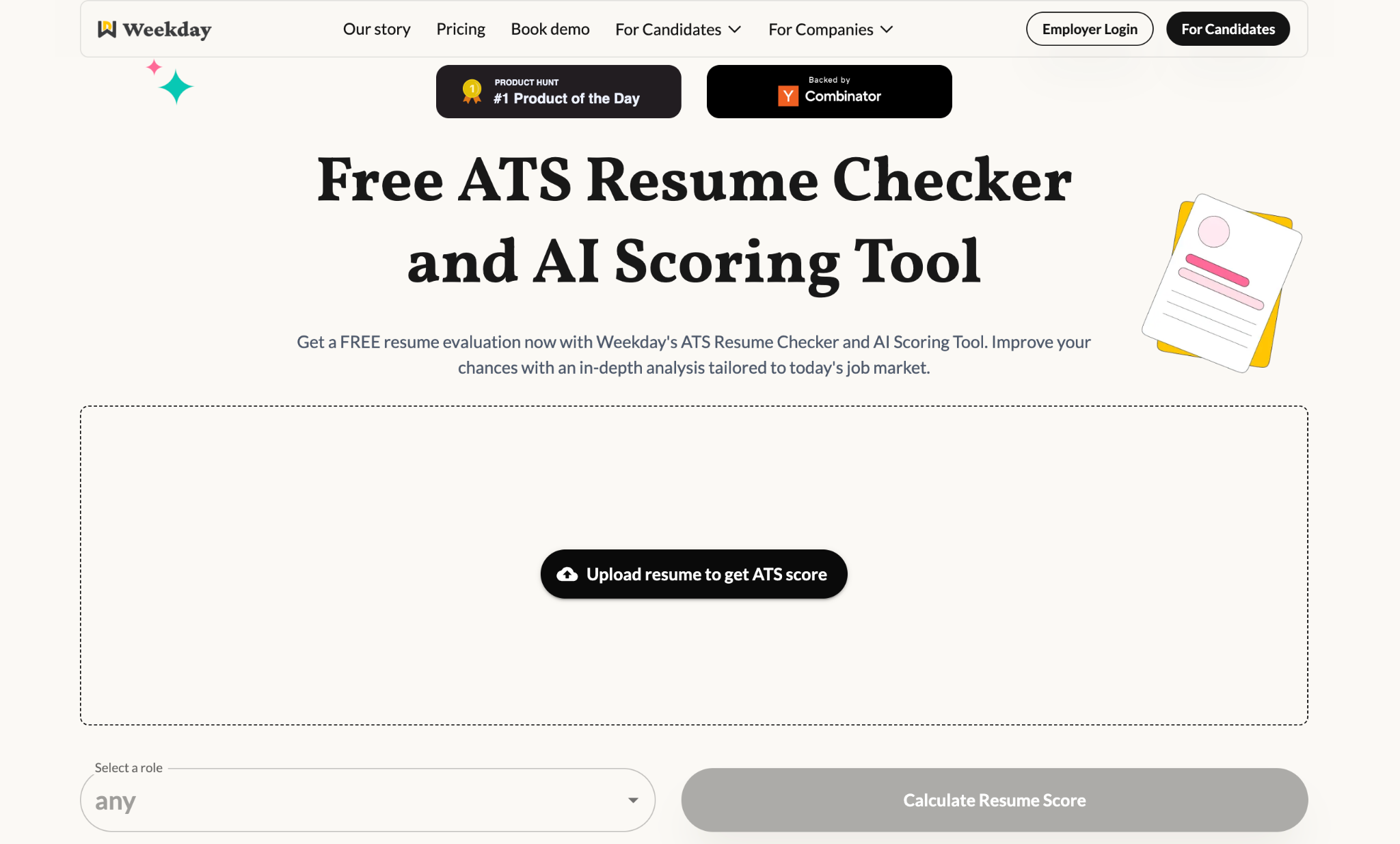
Before applying, it helps to know how your resume will look to a screening system. Weekday’s resume checker shows how well your resume matches a specific job description, highlights missing or weak areas, and gives you a clearer sense of what a recruiter’s ATS might filter in or out.
To quickly check whether your resume is actually matching a job description, run it through an ATS-style scan:
https://www.weekday.works/resume-checker-and-scoring-tool
How to write bullet points that ATS and recruiters both love
This is where most resumes become forgettable.
Use this simple formula:
Action + What you did + How + Outcome
Bad:
- Responsible for dashboards
Good:
- Built automated dashboards using SQL and Looker to track weekly retention, reducing reporting time by 40 percent
Why this works:
- Action verb
- Keywords
- Clear impact
- Easy to scan
ATS picks up the keywords. Recruiters remember the impact.
Dates, job titles, and locations matter more than you think
ATS looks for structure.
For every role, keep this order:
- Job title
- Company name
- Location
- Dates (Month Year – Month Year)
Example:
Product Analyst
ABC Tech, Bangalore
June 2023 – Present
Do not:
- Hide dates
- Use only years
- Put dates on the left and text on the right
Clarity beats cleverness.
Things that actively hurt ATS ranking (please remove these)
If your resume has any of the following, fix them today:
- Icons for phone, email, LinkedIn
- Text boxes
- Tables
- Headers and footers
- Logos
- Skill bars or charts
- Photos
- Infographics
ATS either ignores these or reads them incorrectly.
Does tailoring your resume really matter?
Yes. A lot.
You do not need a new resume for every job. But you do need:
- One base resume
- Small keyword tweaks per role
Even changing:
- Job title alignment
- Skills order
- Summary keywords
can significantly improve ATS matching. Think of it as SEO for your resume.
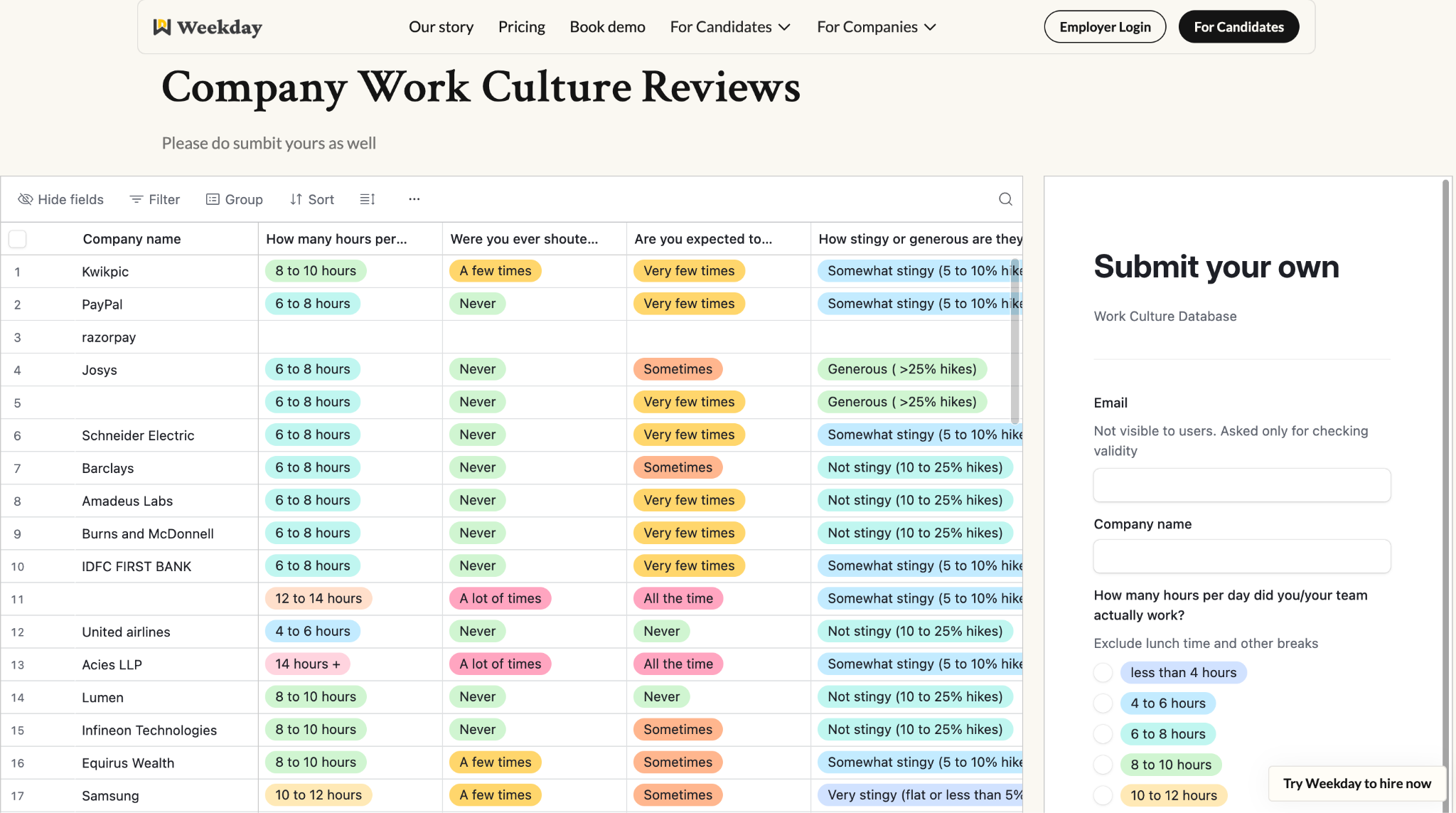
Before you invest time tailoring and applying, it helps to know what you’re signing up for. Weekday’s company work culture reviews give you candid, role-level insights into how teams actually operate, helping you avoid misaligned roles and make more informed application decisions. Before tailoring, researching the company itself also helps you decide whether the role is worth applying to: https://www.weekday.works/company-work-culture-reviews
How to quickly test if your resume is ATS friendly
Before submitting anywhere, do this:
- Copy your resume text
- Paste it into a plain text editor
If:
- Sections are in the wrong order
- Words overlap
- Experience reads out of sequence
The ATS will struggle too. Your resume should still make sense without any formatting.
A simple ATS friendly resume checklist
Before you apply, check this list:
- Single column layout
- Standard section headings
- Keywords from job description included naturally
- No graphics, icons, or tables
- Skills section present
- Clear dates and job titles
- Saved as a clean PDF
If you tick all of these, you are already ahead of most applicants. A good resume does not impress at first glance. It gets you to the next step. And that is the only job it needs to do.