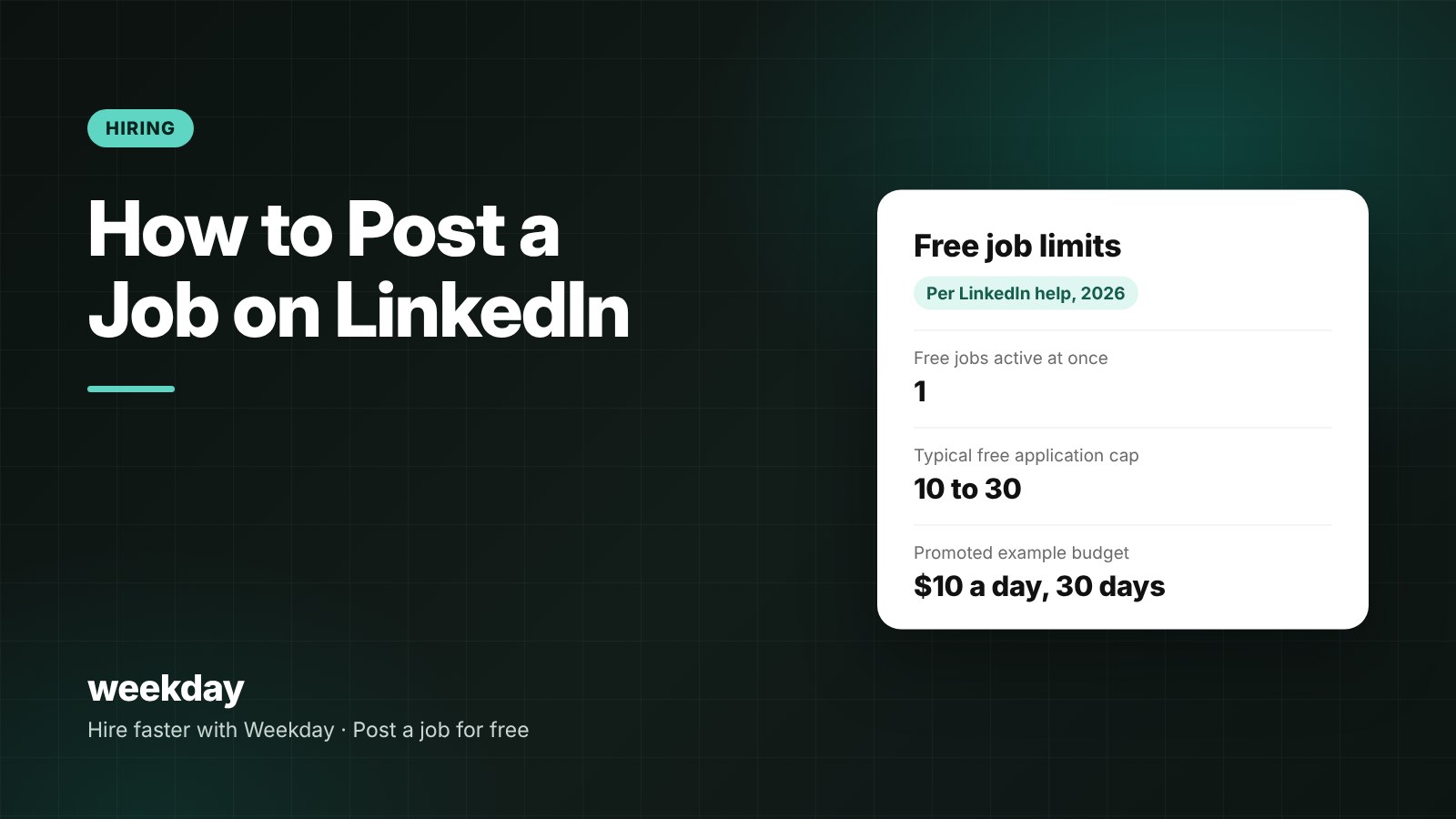
Short answer: click the Jobs icon on your LinkedIn homepage, click "Post a free job", add the title, company, workplace type, location and description, then post without promoting. You can have one free job active at a time. LinkedIn says free posts usually cap at 10 to 30 applications before they pause. Promoted jobs have no fixed price: you set a daily or total budget and pay per view.
LinkedIn is still where most founders and recruiters in India and the US start a search. But the free job post has more limits than it used to, and most people only find them after posting. This guide walks through the steps, the free limits, how promoted pricing works, and how to get more applicants from the same post.
Before you start
- You need a LinkedIn Page for your company. LinkedIn's Recruiter help says only Company Pages can be tied to a job post, not showcase pages. A Page is free to create.
- Write your description first. Keep it to four to six bullet points plus required skills, which is what LinkedIn's own free-posting guide suggests. Our job description guide has a template.
- Decide your pay range. If the job can be done from New York City or California, many employers must show a pay range in the post. More on that below.
How to post a job on LinkedIn, step by step
- Open the posting tool. Click the Jobs icon at the top of your LinkedIn homepage, then click "Post a free job". If you already have a free job live, you'll only see the option to promote.
- Enter the job title. Pick from LinkedIn's suggested titles where you can. "Backend Engineer" gets found more than "Code Ninja".
- Choose how to write it. LinkedIn's Hiring Pro offers "Start hiring with AI" to draft the post, or "Start with my job description" to paste your own. If you use the AI draft, edit it. Add pay, location and anything specific to your team.
- Fill in job settings. Company, workplace type (on-site, hybrid or remote), location and job type (full-time, part-time, contract, internship and so on).
- Add screening questions. Use two or three must-haves, such as years with a skill or willingness to work from your city. They help you sort a large pile fast.
- Choose where applications go. Keep applications on LinkedIn, or send people to your careers page or email.
- Post free or promote. Choose to post without promoting for a free job, or set a budget to promote.
LinkedIn free job post limits in 2026
Here's what LinkedIn's help and business pages say about free jobs right now.
| Rule | What LinkedIn says |
|---|---|
| Free jobs at once | One active free job per member |
| Free jobs per month | A limited number within any 30-day period (no exact number given) |
| How long it stays active | Up to 14 days active; LinkedIn's business pages say a maximum of 30 days |
| Application cap | Typically 10 to 30 applications, depending on the role, then the job pauses |
| Visibility | Drops over time as newer jobs get posted |
| Switching back | Once promoted, a job can't go back to free. You'd close it and post a new free job |
The 10 to 30 application cap is the one that surprises people. Popular roles fill it fast. One recruiter on r/recruiting described about 300 applications landing within five minutes on a backend engineering role. When the cap hits, a free job pauses and leaves search results.
Agencies can run into stricter rules. On r/recruiting, a recruiter at a recruiting firm said LinkedIn removed all their free job posts and sales told them they'd need to buy job slots, with a minimum of five because they had no Recruiter subscription. They planned to post on their company page and link to their careers site instead.
How promoted jobs are priced
LinkedIn doesn't publish a fixed price. You pay for views of your job, and you control the spend with a budget.
- Daily budget: you set an amount per day for a chosen number of days. LinkedIn's example is $10 a day for 30 days, which costs $300 or less depending on reach.
- Total budget: you set one amount, and the job pauses once it's spent.
- What you don't pay for: your own views, repeat views from the same person, and views from people who aren't signed in.
- Billing (self-serve): charges add up weekly. Your card is charged within 48 hours of closing the job, at 30 days if it's still open, or when the balance reaches $500.
LinkedIn says the price depends on things like the job title, the location and how many other employers want similar people in that area. Its India pricing page offers the same free and promoted options. For a side-by-side of LinkedIn, Indeed and Naukri costs, see our job posting cost comparison.
Free or promoted: when to pay
| Your situation | Free job | Promoted job |
|---|---|---|
| One role, common title, big city | Usually enough | Not needed at first |
| Two or more roles open at once | Only one can be free | Needed for the rest |
| Senior or niche role (say, staff ML engineer) | 10 to 30 applicants may all miss | Better reach, still mostly active seekers |
| Hiring in a smaller city | Few local views | Helps widen reach |
A simple rule: post free first, watch the first 48 hours, then promote only if the applicants are the wrong level or too few. If you promote, set a total budget so the spend can't run away.
How to get more applicants from a LinkedIn job
A job post works best when your feed post points to it. In our analysis of 148 LinkedIn hiring posts from November 2026, we had the full text for 118. Only 5 of those 118 attached a LinkedIn job. Most asked people to email (45%) or DM (42%). So most people saw the post, but had no single place to apply.
- Share the job in a hiring post. Put the role, city and pay in the first lines and link the job. Our guide on how to write a hiring post has templates and the full data.
- Show pay. Only 16% of the 148 posts we logged showed pay as a number. In New York City, a good-faith pay range has been required in job ads since November 2022. In California, employers with 15 or more staff must include a pay scale in job postings since January 2023.
- Use a standard title. People search "Product Designer", not "Pixel Wizard".
- Set the right location. If it's remote, say which country or time zone. "Remote" alone pulls applicants you can't hire.
- Ask your team to share it. Your engineers' networks are full of engineers.
Views alone don't mean much. One recruiter on r/recruiting said a LinkedIn job got about 3,000 views and more than 10 reposts, yet zero applications. If that happens, check the title, location and pay before adding budget.
What LinkedIn won't do for you
A job post waits for people who are looking. Many strong candidates aren't. For a senior backend role, the person you want is often employed, not scrolling jobs. That's where outreach comes in. You can do it yourself with InMail, use a recruiter, or use a tool that finds and messages matching people for you.
Need more than 10 to 30 applicants? Post the same role on Weekday for free. Weekday's AI agent searches 400M+ profiles, then reaches out to matches on email and WhatsApp, so you're not waiting on job seekers alone. Your first role is free, with no credit card.
FAQ
Can you post a job on LinkedIn for free?
Yes. You can have one free job active at a time. LinkedIn says free jobs usually cap at 10 to 30 applications and lose visibility over time.
How many free jobs can I post on LinkedIn?
One active free job at a time, and a limited number within any 30-day period. LinkedIn doesn't publish the exact monthly number.
How long does a free LinkedIn job post stay up?
LinkedIn's help pages say a free job stays active for up to 14 days. Its business pages say a maximum of 30 days.
How much does it cost to promote a job on LinkedIn?
There's no fixed price. You set a daily or total budget and pay per view. LinkedIn's example is $10 a day for 30 days, costing $300 or less.
Do I need a company page to post a job on LinkedIn?
Yes. A job post has to be tied to a LinkedIn Company Page. Creating one is free.
Sources
- LinkedIn Help: Post a free job on LinkedIn (limits)
- LinkedIn Help: Post a free job (14 days active)
- LinkedIn Help: Post a job on LinkedIn (Hiring Pro steps)
- LinkedIn Help: Promoted jobs can't return to free
- LinkedIn Help: Company Page required for job posts
- LinkedIn: Job posting cost overview
- LinkedIn: Free vs paid hiring tools
- LinkedIn: How to post a job for free
- NYC Commission on Human Rights: Salary transparency
- Seyfarth: California pay scale guidance
- r/recruiting: No more free jobs on LinkedIn
- r/recruiting: Is LinkedIn really working?
- r/recruiting: Hundreds of candidates within 5 minutes
- LinkedIn Jobs overview tip sheet (pricing factors)
- LinkedIn India: Hiring Pro pricing overview
- Weekday analysis of 148 LinkedIn hiring posts, 14 to 23 Nov 2026