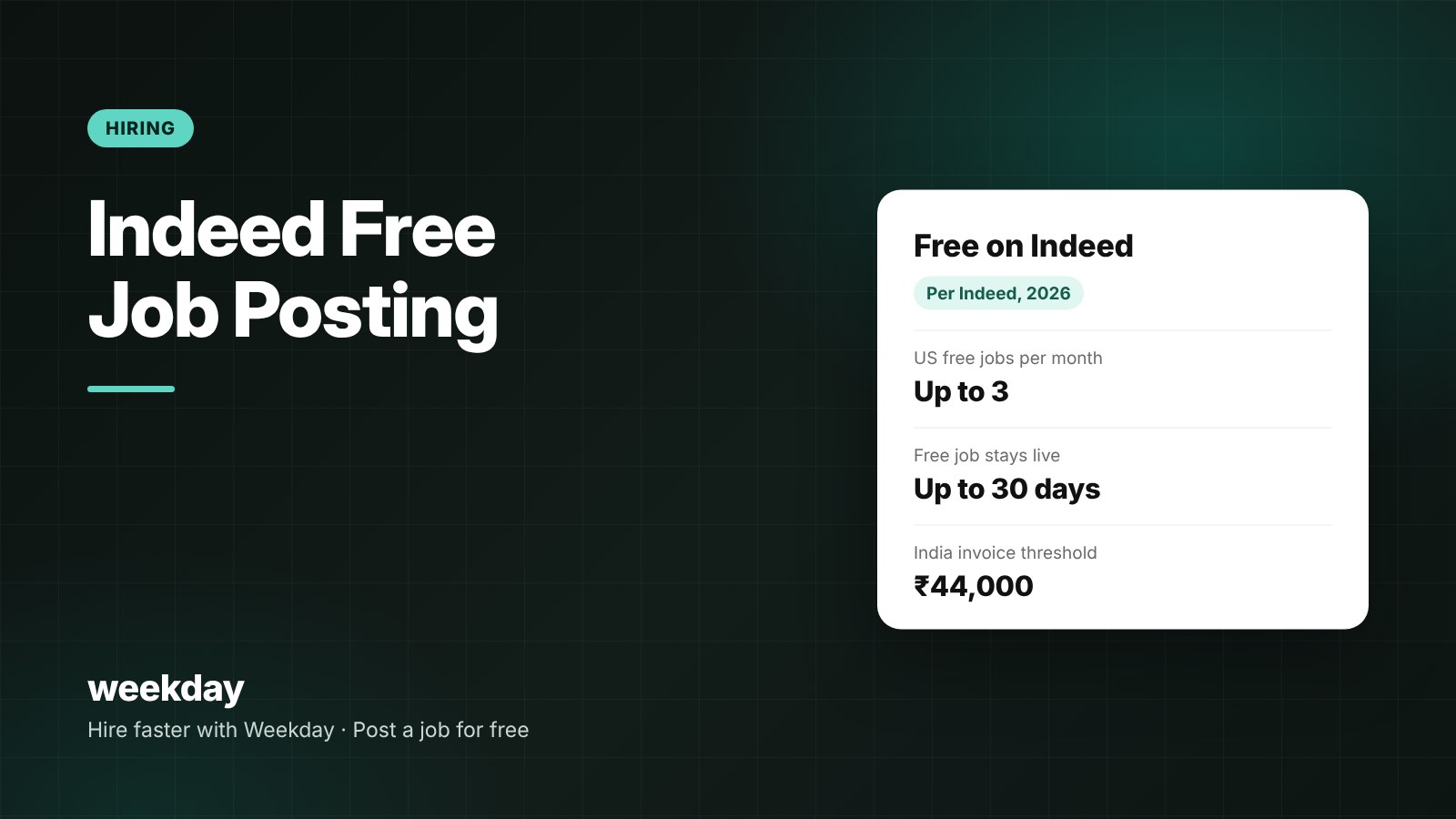
Short answer: yes, you can still post a job on Indeed for free. Create an employer account, click "Post a job", add the title, location and description, and click "Confirm". In the US, Indeed allows up to three free jobs per month, each live for up to 30 days. Indeed's India page says there's no exact limit unless your account is misused. Free jobs slide down search results over time, and some jobs must be sponsored before they show at all.
Indeed is one of the few big job boards that still lets you post for free. But "free" has more fine print every year. This guide covers the steps, the limits in India and the US, the reasons Indeed asks you to pay, and how sponsored pricing works, all from Indeed's own pages.
How to post a job on Indeed for free
- Create an employer account. Go to Indeed for Employers and sign up. Indeed says creating an account is free and gives you an Employer Dashboard to manage jobs and candidates.
- Click "Post a job". Add the job title, location and job type. Use a plain title like "Customer Support Executive", not an internal label.
- Add the description. Cover what the person will do, must-have skills, and pay. Our job description guide has a template you can paste in.
- Add screening questions. Two or three must-haves, like experience with a tool or a willingness to work from your city, save you hours of sorting.
- Click "Confirm". Your free job is posted. Indeed then offers to sponsor it. You can skip this.
- Wait for review. On its India employer page, Indeed says most posts go live within 24 to 48 hours after a standard review.
Indeed free job post limits: India vs US
| Rule | India | US |
|---|---|---|
| Free jobs per month | Indeed's India page says there's no exact limit, unless the account is being misused | Up to 3 free jobs per month, posted directly on Indeed |
| How long a free job stays live | Paused automatically after 30 days | Up to 30 days |
| Visibility | Falls back in search as new jobs come in; Indeed says 3.2 lakh jobs are added each month | Falls back in search as new jobs are added |
| Jobs that may need sponsoring | Part-time and commission-only roles, at Indeed's discretion | Over the monthly limit, relocation roles, confidential jobs, feed and ATS duplicates, flagged jobs |
Indeed's pricing pages also note that free post limits and availability vary by country and may change. So check your Employer Dashboard before you plan a hiring push around free posts.
When Indeed asks you to sponsor
Indeed's US pricing page lists the common reasons a job needs sponsorship. The list isn't complete, but it covers most cases:
- You've used up the monthly free job limit.
- The job comes into Indeed through your careers site, a feed or an ATS, and you also post it directly.
- The role needs the candidate to relocate.
- The job is confidential and doesn't name your company.
- The job was flagged because its content doesn't meet Indeed's standards, or because that type of role needs sponsoring to verify it's real.
Employers on Reddit describe hitting these rules in practice. On r/humanresources, a small non-profit said its posts kept getting flagged as too similar to earlier ones, because all its role titles ended in "Coordinator". It also hit the free limit and saw jobs missing from its company page. A mid-sized training company in the same subreddit said the three-a-month cap cut its hiring capacity, since sponsoring every role wasn't affordable.
Agencies have it harder. In an r/recruiting thread titled "The End of Free Posting on Indeed", recruiters said staffing firms have long been pushed to sponsor, and one said anything they post without sponsoring now gets zero applicants. The most upvoted reply made a simple point: don't build your hiring on one job board.
How Indeed sponsored jobs are priced
Indeed doesn't charge a flat fee to post. With a sponsored job, you set a budget and pay for results.
- Pay per click: with a daily budget, you may be charged when someone clicks to view your job.
- Pay per started application: in some setups, you're charged when someone clicks to apply or starts an application.
- Suggested budget: Indeed suggests a budget based on title, location and description. It's not mandatory.
- Invoices in India: sent on the first of each month, or earlier when your balance reaches ₹44,000. A first-time sponsor may get an invoice at ₹2,200 to check the payment method.
- Invoices in the US: sent on the first of the month or at a $500 balance, whichever comes first. A first check may come at $25.
Suggested budgets can be steep for hard roles. A rural US clinic on r/humanresources said Indeed suggested $42 a day for a psychiatric nurse practitioner role, which was more than it could pay.
Does sponsoring help? What Indeed says
These are Indeed's own claims, so treat them as the seller's numbers:
- India: Standard Sponsored Jobs get about 3x more applications than non-sponsored jobs, and sponsored jobs posted directly are 46% more likely to report a hire.
- India: Sponsored Jobs get 2x as many impressions per day as non-sponsored jobs.
- US: Sponsored Jobs get 3.1x as many impressions per day as non-sponsored jobs.
A sensible approach: post free, watch the first week, and sponsor only the roles that stall. Set a total budget you're fine losing.
How to get more from a free Indeed post
- Show the salary. Indeed's India employer FAQ says job seekers in India prefer seeing salary details and those posts get significantly more applications. Most employers skip it. In our analysis of 148 LinkedIn hiring posts from November 2026, only 23 (16%) gave pay as a number.
- Use a clear, searchable title. Indeed matches jobs to search keywords. "Inside Sales Executive, Pune" beats "Rockstar Closer".
- Make each post distinct. If you hire for several similar roles, make the title and duties specific to each, so they don't look like repeats.
- Name the city or remote setup. Indeed matches on location too. A job tagged to the wrong city reaches the wrong people.
- Reply fast. Indeed shows a "Responsive Employer" badge for employers who reply quickly to applicants.
Indeed vs other free options
Indeed works well for volume roles like support, sales and operations. For engineering, product and design roles at startups, it's often one channel of several. Our list of free job posting sites covers other places to post, and our job posting cost comparison puts Indeed next to LinkedIn and Naukri. If LinkedIn is next on your list, here's how to post a job on LinkedIn and its free limits.
Tired of free posts sinking in search? Post your role on Weekday for free. Weekday's AI agent searches 400M+ profiles and reaches out to matching people on email and WhatsApp, including people who aren't scrolling job boards. Your first role is free, with no credit card.
FAQ
Is posting a job on Indeed free?
Yes. You can post a job for free from an employer account. Free jobs lose visibility over time, and some jobs must be sponsored before they appear.
How many free jobs can I post on Indeed?
In the US, up to three free jobs per month, each live for up to 30 days. Indeed's India page says there's no exact limit unless the account is misused. Limits vary by country and can change.
Why is Indeed asking me to sponsor my job?
Common reasons are going over the free limit, relocation roles, confidential jobs, jobs that also come in through an ATS or feed, and jobs that Indeed flags for review.
How much does it cost to sponsor a job on Indeed?
There's no flat fee. You set a budget and pay per click or per started application. Indeed suggests a budget based on the role and location.
How long does an Indeed job post take to go live?
Indeed's India employer page says most posts go live within 24 to 48 hours after a standard review.
Sources
- Indeed India: Free vs Sponsored Jobs
- Indeed India: How pricing works
- Indeed India: Indeed for Employers FAQ
- Indeed US: How pricing works
- Indeed US: How to sponsor a job
- Indeed India: Post a job (how matching works)
- r/humanresources: Where to post job openings?
- r/humanresources: After Indeed limited free job posts to 3 per month
- r/recruiting: The End of Free Posting on Indeed
- r/humanresources: Indeed Budget
- Weekday analysis of 148 LinkedIn hiring posts, 14 to 23 Nov 2026