Last updated: 12 November 2026
- AI agent vs rule-based chatbot
- How WhatsApp AI agents work
- Use cases: support, sales, bookings, job search
- Job search with Day: what to send and what it does
- Privacy and safety tips
- How to spot fake WhatsApp job agents and scams
- WhatsApp has more than 2 billion users worldwide, and Meta has called India its largest market.
- Businesses reach WhatsApp at scale through the WhatsApp Business Platform (API), usually via Meta's cloud hosting or an approved solution provider.
- After a customer messages a business, there is a 24-hour customer service window for free-form replies. Outside it, businesses must use pre-approved message templates.
- In India, report online fraud on the national cybercrime helpline 1930 or at cybercrime.gov.in.
Sources: Meta / WhatsApp Business Platform documentation; Ministry of Home Affairs (I4C).
Send your resume to Day, Weekday's free AI agent on WhatsApp. It turns it into a cleaner, website-style portfolio and finds jobs that fit, applying when you say yes.
Say hi to Day on WhatsAppHow Day works →What is a WhatsApp AI agent?
A WhatsApp AI agent is a program that reads your messages, understands what you want, and does something about it inside the same chat. It uses a large language model to understand free text, voice notes or documents, and it is connected to the business's systems, so it can check a booking, update an order or submit an application.
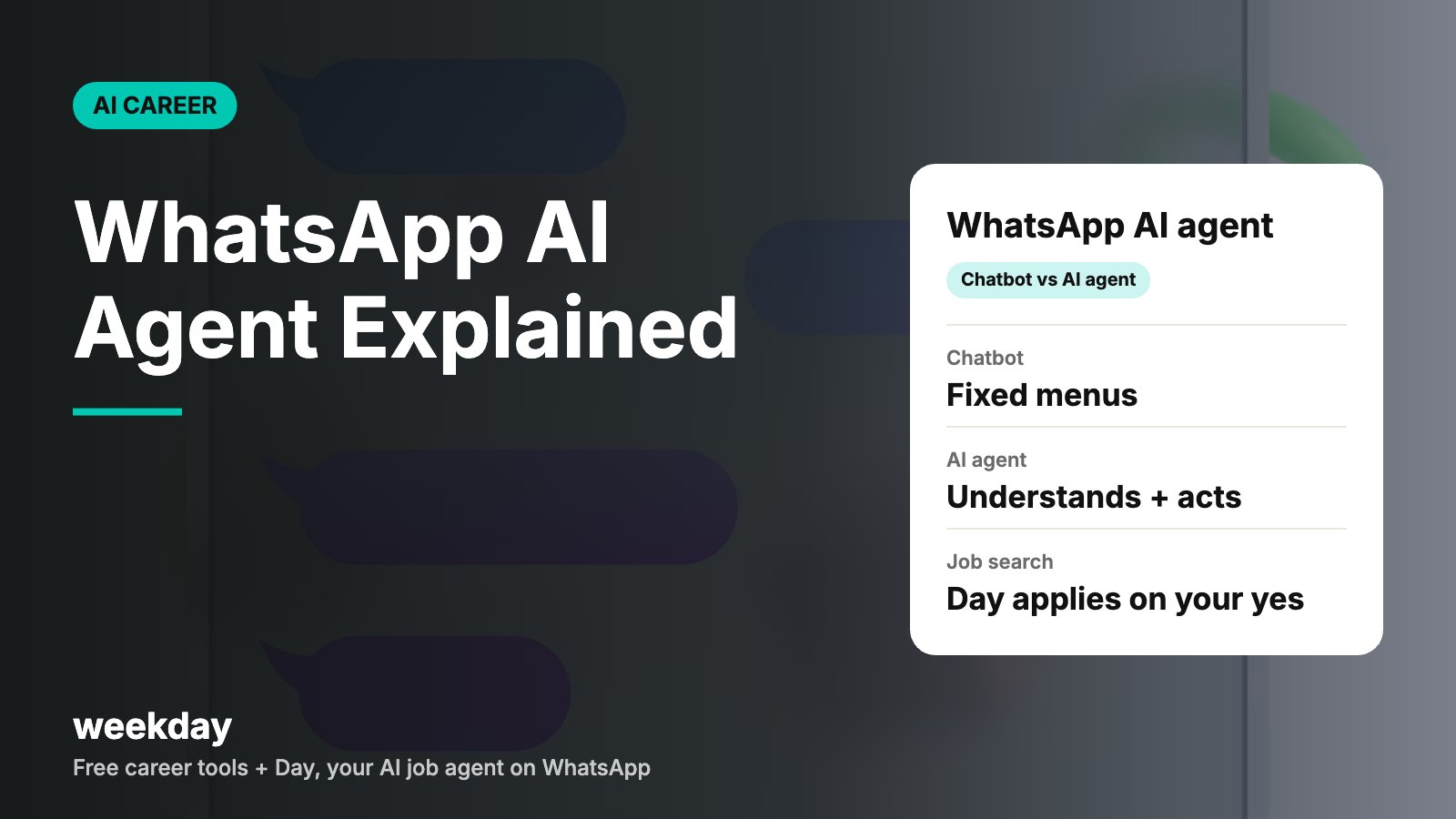
The key word is agent. A chatbot answers. An agent answers and acts, often over several steps, and checks back with you when a decision needs your approval.
AI agent vs rule-based chatbot
| Rule-based chatbot | WhatsApp AI agent | |
|---|---|---|
| How you talk to it | Tap menu buttons or type fixed keywords ("1 for balance") | Type or speak normally, in English, Hindi or Hinglish |
| Understanding | Matches keywords; breaks on typos | Understands intent and context |
| Actions | Shows fixed answers or links | Can complete tasks across systems |
| Documents | Usually can't read them | Can read a resume, invoice or photo, depending on the build |
| Memory | Starts over each time | Can remember earlier steps in the conversation |
| When it fails | "Sorry, I didn't understand" loops | Can ask a clarifying question or hand over to a human |
| Best for | Simple, high-volume FAQs (order status, timings) | Multi-step tasks (bookings, sales, job search) |
Many businesses run a mix: buttons for common questions, an AI agent for everything else, and a human for edge cases.
How WhatsApp AI agents work
You don't need to know the engineering to use one, but knowing the basics helps you judge whether an agent is genuine.
- The business number. A business registers a phone number on the WhatsApp Business Platform. This is different from the free WhatsApp Business app many small shops use on a phone.
- Your message arrives. When you send a message, WhatsApp passes it to the business's system through the platform.
- The AI reads it. A language model works out what you want and pulls the facts it needs from the business's data.
- It acts. The agent calls the business's tools: a booking calendar, an order system or, in job search, a list of open roles.
- It replies. You get an answer in the chat. If the business needs to message you later outside the 24-hour window, it must use an approved template.
- It asks before big steps. Well-built agents ask for your confirmation before payments, bookings or applications.
| Term | What it means in plain words |
|---|---|
| WhatsApp Business app | Free app for small businesses, run by a person on one phone |
| WhatsApp Business Platform | Meta's API for businesses that want automation, agents and scale |
| Message template | A pre-approved message format a business uses to start a conversation |
| 24-hour window | Time after your last message when the business can reply freely |
| Opt-in | Your permission for the business to message you |
| Human handover | When the agent passes the chat to a real person |
Use cases: support, sales, bookings, job search
| Use case | What the agent does | Example message from you |
|---|---|---|
| Customer support | Tracks orders, starts returns, answers policy questions | "My order hasn't come, it's been 6 days" |
| Sales | Answers product questions, compares plans, shares a payment link | "Which plan is better for a family of 4?" |
| Bookings | Checks slots, books and reschedules appointments | "Book a haircut Saturday after 5" |
| Banking and bills | Shares balances, statements and due dates (after verification) | "Send my last 3 months' statement" |
| Job search | Reads your resume, finds roles that fit, applies with your approval | "Find me backend roles in Pune around 12 LPA" |
Job search suits WhatsApp well. Most Indian job seekers already check WhatsApp many times a day, and applying is a series of small yes/no decisions. That is exactly what an agent can handle while you keep control.
Job search with Day: what to send and what it does
Day is Weekday's free AI job agent on WhatsApp, at +91 90088 11889. Here is what it does, in plain terms:
| You send | Day does |
|---|---|
| Your resume | Turns it into a better-designed, website-style portfolio you can show recruiters |
| What you're looking for (role, city, pay) | Finds roles on Weekday that fit |
| "Yes" on a role you like | Applies to that role for you |
| "No" or nothing | Doesn't apply. Day applies only to roles you approve |
Illustrative chat with Day (wording will differ)
You: Hi Day

Day: Hi! I'm Day, Weekday's AI job agent. Send me your resume and tell me what kind of role you're looking for.

You: [sends resume PDF]
Looking for data analyst roles in Bengaluru or remote. Around 8–10 LPA.

Day: Thanks! I can turn your resume into a website-style portfolio you can share with recruiters. I'll also look for data analyst roles on Weekday that fit what you've told me.

Day: Here's a role that looks like a fit:
[Role title] at [Company] · [Location]
Want me to apply?

You: Yes

Day: Done. I'll apply only to roles you say yes to.
Two things to notice. First, you approve each application, so nothing goes out in your name without a yes. Second, the portfolio comes from the resume you already have, which is useful if you don't have time to build a site. For more on the resume side, read our guide to the AI resume maker; for the portfolio side, see developer portfolio and UI UX portfolio.
Tips for better results from any job agent
- Send an up-to-date resume with clear job titles and dates.
- Be specific: role, city or remote, and a realistic pay range in LPA.
- Say no to roles that don't fit. It keeps your applications focused.
- Keep your resume ATS-friendly; our ATS resume guide explains how.
Privacy and safety tips
A WhatsApp agent sees what you send it. That is fine for a resume, but some things should never go into any chat.
| Safe to share with a genuine job agent | Never share in a chat |
|---|---|
| Resume (you can hide your full home address) | OTPs of any kind |
| Preferred roles, cities, pay range | UPI PIN, card numbers, CVV, net banking passwords |
| Email and LinkedIn link | Full Aadhaar scan before you have an offer |
| Notice period | Remote-access app codes (screen sharing) |
- Check who you are talking to. Look up the company's official website and confirm the number is listed there.
- Read what the agent says it will do. A genuine agent tells you plainly what it does with your resume.
- You can stop anytime: block or report the chat from WhatsApp's menu.
- Turn on two-step verification in WhatsApp settings so no one can register your number on another phone.
How to spot fake WhatsApp job agents and scams
Job scams on WhatsApp are common in India. They often use real company names and logos. The pattern is almost always the same: an unsolicited message, an easy task with a small payout, then a request for money.
| Red flag | What it looks like | What to do |
|---|---|---|
| Unsolicited offer | "Earn ₹3,000–₹8,000 a day, part-time, from home" | Ignore; real recruiters don't promise daily pay |
| Pay to get paid | Registration fee, training fee, "refundable" deposit | Never pay. Genuine employers don't charge you |
| Task scams | Like YouTube videos or rate hotels, then "invest" to unlock bigger tasks | Stop at the first request for money |
| Telegram move | "Join our Telegram group for your next task" | Leave; this is a classic scam step |
| Fake offer letter | Offer without an interview, from a Gmail or unrelated domain | Verify on the company's official careers page |
| Urgency | "Pay in 30 minutes or lose the seat" | Slow down; urgency is a pressure tactic |
| Asking for OTP or screen share | "Share the code we sent to verify you" | Never share; block and report |
Example of a scam message (do not reply)
Hello dear, I am Ms. Riya from HR team of a reputed MNC. Part-time job: like 3 YouTube videos and earn ₹150 per like. Daily income ₹3,000–₹8,000. No experience needed. Reply YES to start. Limited seats!
Spot the signs: no company name you can check, a personal greeting, daily pay for trivial work, and pressure. A genuine agent like Day doesn't ask you to pay, and it applies only to roles you approve.
If you've already been scammed
- Stop paying. Scammers often ask for more to "release" your earnings.
- Call 1930, the national cybercrime helpline, as soon as possible. Quick reporting can help freeze the money trail.
- File a complaint at cybercrime.gov.in with screenshots, phone numbers and transaction IDs.
- Tell your bank and block any card or UPI ID you used.
- Report and block the number in WhatsApp.
Want more safe ways to find work on WhatsApp? Read how to apply for jobs on WhatsApp. And if you want an agent that does the searching for you, try AI job apply with Day.
FAQs
What is a WhatsApp AI agent?
Software that chats with you on WhatsApp in plain language and completes tasks for you, such as bookings, support requests or job applications, often asking for your approval first.
How is a WhatsApp AI agent different from a chatbot?
A rule-based chatbot follows fixed menus and keywords. An AI agent understands free text, remembers context and can take actions across systems.
How do businesses build a WhatsApp AI agent?
They connect a business number to the WhatsApp Business Platform, directly through Meta or via a solution provider, and link it to an AI model and their own systems.
Is there a WhatsApp AI agent for job search?
Yes. Day, Weekday's free AI job agent on WhatsApp (+91 90088 11889), finds roles on Weekday that fit and applies only to the ones you approve.
Can a WhatsApp agent make a portfolio from my resume?
Day can. Send your resume and it can turn it into a better-designed, website-style portfolio you can show recruiters.
Is it safe to send my resume to a WhatsApp agent?
It is usually fine with a genuine, verifiable service. Check the number on the company's official site, and never share OTPs, PINs or bank details.
How do I know if a WhatsApp job offer is fake?
Red flags include unsolicited messages, daily pay for simple tasks, any fee or deposit, moves to Telegram, offers without interviews and requests for OTPs.
Where do I report a WhatsApp job scam in India?
Call the cybercrime helpline 1930 or file at cybercrime.gov.in, then report and block the number in WhatsApp.
Does a WhatsApp AI agent work in Hindi?
Many AI agents understand Hindi and Hinglish because they use language models, but it depends on how each one is built.
Can a WhatsApp AI agent apply to jobs without asking me?
It depends on the service. Day applies only to roles you say yes to.