Last updated: 9 November 2026
- What UAN is (and how it differs from your PF number)
- 6 ways to find your UAN
- Know your UAN on the EPFO portal, step by step
- How to activate UAN
- Linking Aadhaar, PAN and bank (KYC)
- What to do with your UAN when you change jobs
- Troubleshooting table: the 10 most common UAN problems
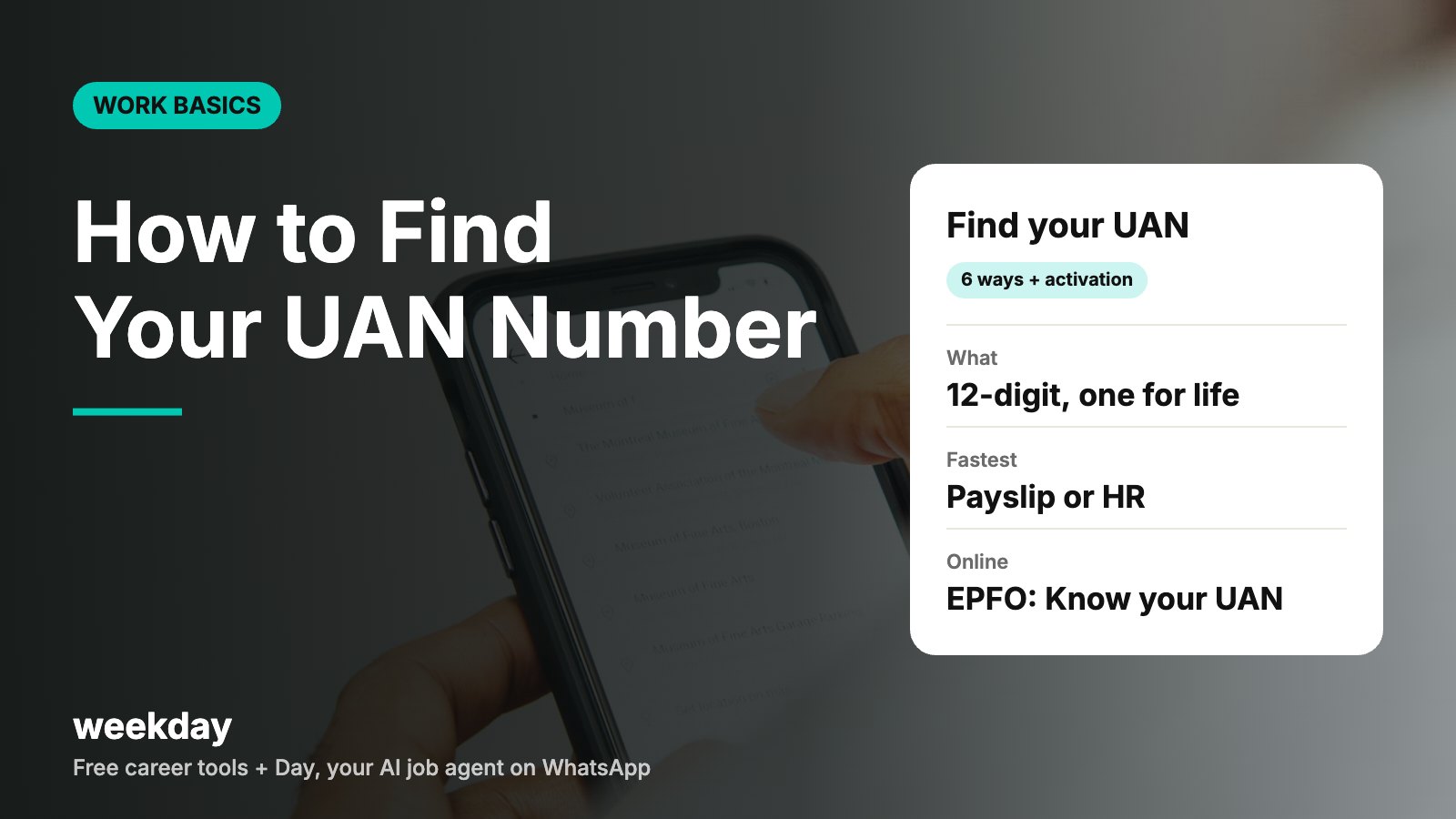
- UAN = Universal Account Number, a 12-digit number issued by EPFO.
- One person should have one UAN for life; each employer adds a new member ID under it.
- Missed call for PF details: 9966044425 from your UAN-registered mobile.
- SMS: EPFOHO UAN ENG to 7738299899 (replace ENG with HIN, TAM, etc. for other languages).
- Online PF claims need an activated UAN with Aadhaar verified and bank details approved.
Sources: EPFO member portal (unifiedportal-mem.epfindia.gov.in); EPFO helpdesk information; UMANG app.
Day, Weekday's free AI job agent, finds jobs that match your skills and pay, and applies when you say yes. On WhatsApp.
Say hi to Day on WhatsAppHow Day works →What UAN is, in plain words
Every time you join a company that deducts PF, the company opens a new PF account for you, identified by a member ID (sometimes called the PF number). Your UAN sits above all of these. It links every member ID you have ever had, so your PF history follows you from job to job.
Think of the UAN as your bank customer ID and each member ID as a separate account inside it. You give your UAN to every new employer, and they create the new member ID under it.
| UAN | PF member ID | |
|---|---|---|
| Format | 12 digits, e.g. 1009XXXXXX42 | Alphanumeric, e.g. KNBNG00XXXXX0000012345 |
| Who issues it | EPFO (generated when your first employer registers you) | Created for each employer |
| How many you have | One for life | One per employer |
| Used for | Login, KYC, transfers, claims, passbook | Tracking contributions from one employer |
| Changes when you switch jobs? | No | Yes, a new one is added |
6 ways to find your UAN
| Method | What you need | Best when |
|---|---|---|
| 1. Salary slip | Any recent payslip | You are currently employed |
| 2. EPFO portal: Know your UAN | Aadhaar-linked mobile number + Aadhaar or PAN | You can't reach HR or don't have payslips |
| 3. UMANG app | Mobile number registered with EPFO | You prefer a phone app |
| 4. Ask HR or payroll | Your employee ID | You've just joined or the company created it recently |
| 5. Old documents | Offer letter, joining kit, Form 11, F&F statement, PF welcome SMS | You've left the company |
| 6. SMS or missed call | UAN-registered mobile (with KYC seeded) | To confirm details and balance quickly |
1. Check your salary slip
Most Indian payslips print the UAN in the employee details block, next to PAN and bank account. See where it sits in our annotated salary slip format samples. If your slip shows only a PF number, the UAN may be on your HR portal's profile page or tax section.
2. Know your UAN on the EPFO member portal
- Open the EPFO Member e-Sewa portal (unifiedportal-mem.epfindia.gov.in).
- Under Important Links, click Know your UAN.
- Enter your mobile number and the captcha, then click Request OTP.
- Enter the OTP you receive and validate it.
- Enter your name, date of birth and one ID: Aadhaar, PAN or member ID.
- Click Show my UAN. Your UAN appears on screen and is usually also sent by SMS.
This works only if your details (especially mobile number and Aadhaar or PAN) are already in EPFO's records, which your employer adds when it registers you.
3. UMANG app
Install UMANG, search EPFO, and open Know your UAN under employee-centric services. Enter your mobile number, verify the OTP and your details. UMANG also lets you see your passbook, raise claims and, in many cases, generate and activate a UAN with Aadhaar face authentication.
4. Ask HR
Email to HR asking for your UAN
Subject: Request for my UAN – Emp ID ABC1042

Hi HR team,

Could you please share my UAN (Universal Account Number) and PF member ID? I need them to activate my EPFO account and check my PF passbook.

If my UAN hasn't been generated yet, please let me know the expected date.

Thanks,
Rohan Mehta
Software Engineer, joined 3 November 2026
Email to a previous employer
Subject: UAN details for PF transfer – Rohan Mehta (Emp ID XYZ0588, 2023–2026)

Dear HR team,

I worked at XYZ Services from June 2023 to October 2026. I need my UAN and PF member ID from my time with you to transfer my PF to my new employer. Could you please share them?

Thank you,
Rohan Mehta
5 and 6. Old documents, SMS and missed call
Look through your offer letter email, joining kit, the PF welcome SMS from EPFO (sender ID like EPFOHO) and your full and final settlement statement. The SMS (EPFOHO UAN ENG to 7738299899) and missed call (9966044425) services send your latest PF details to the mobile registered against your UAN. They need a UAN that is already seeded with your mobile and KYC, so they are best for confirming details and balance, not for finding a UAN no one has told you.
How to activate your UAN
Knowing your UAN is step one. To log in, see your passbook or file a claim, you must activate it.
- Go to the member portal and click Activate UAN under Important Links.
- Enter your UAN (or member ID / Aadhaar / PAN), name, date of birth, mobile number and email, plus the captcha.
- Tick the consent box and click Get Authorization PIN.
- Enter the OTP sent to your mobile and click Validate OTP and Activate UAN.
- A password arrives by SMS. Log in with your UAN and this password, then change it.
EPFO has been moving UAN generation and activation for new members to Aadhaar face authentication on the UMANG app (with the AadhaarFaceRD app installed). If the portal route doesn't work for you, try UMANG, or check the latest instructions on the EPFO portal.
Activation tips
Use your name exactly as on Aadhaar, including middle name and spelling
Date of birth in DD/MM/YYYY as on Aadhaar
Use the mobile number linked to Aadhaar (OTP goes there)
Keep the password somewhere safe; reset needs the same mobile
Don't share OTPs with agents offering to 'speed up' PF
Linking Aadhaar, PAN and bank (KYC)
KYC is what makes your UAN useful. Without it, you can see your account but can't withdraw or transfer online.
| KYC item | How to add it | Who approves | Why it matters |
|---|---|---|---|
| Aadhaar | Manage → KYC (or e-KYC with Aadhaar OTP) | Verified by UIDAI | Needed for OTP-signed claims and auto transfers |
| PAN | Manage → KYC → PAN | Employer (digital signature), then verified with tax records | Lower TDS on early withdrawal (10% vs 20%) |
| Bank account + IFSC | Manage → KYC → Bank | Employer, then verified with the bank | Claims are paid only to this account |
| Mobile / email | Manage → Contact Details | OTP verification | OTPs and SMS updates |
After you add PAN or bank details, the status shows Pending until your employer approves it. Most HR teams do this within a week. A short reminder email usually helps.
KYC approval reminder
Subject: Please approve my KYC on EPFO – UAN 1009XXXXXX42

Hi HR team,

I've added my bank account (HDFC, IFSC HDFC0001234) and PAN on the EPFO portal. They show 'Pending for approval by employer'. Could you please approve them?

Thanks,
Rohan Mehta
Your UAN when you change jobs
- Give your existing UAN to your new employer on day one, on the joining form or Form 11. Don't let them create a new one.
- Check the portal after the first salary: a new member ID should appear under the same UAN.
- If your UAN is Aadhaar-linked, the old PF often transfers automatically. If not, file an online transfer (Form 13) under Online Services → One Member – One EPF Account.
- Make sure the date of exit for the old employer is updated.
Transferring rather than withdrawing keeps your service continuous, which matters for tax. Our PF withdrawal guide explains the 5-year TDS rule with examples.
Troubleshooting: common UAN problems and fixes
| Problem | Likely cause | Fix |
|---|---|---|
| Know your UAN says 'no record found' | Mobile or Aadhaar not in EPFO records | Try PAN or member ID; otherwise ask HR to confirm the details they uploaded |
| OTP not received | Wrong mobile, DND or network | Wait a few minutes, retry; update mobile via HR if needed |
| Activation fails: details don't match | Name/DOB in EPFO differs from Aadhaar | Request a correction (online profile update or Joint Declaration through employer) |
| Forgot password | Click Forgot Password, enter UAN, verify with Aadhaar-linked mobile OTP | |
| Two UANs | A new employer generated a fresh one | Tell HR, raise a grievance on EPFiGMS; the extra UAN is blocked and its member ID is linked to your main UAN |
| KYC stuck at 'pending' | Employer hasn't approved | Email HR with the item and UAN |
| Bank KYC rejected | IFSC changed after a bank merger, or name mismatch | Update the new IFSC; make sure the account is in your name |
| Passbook not showing | Passbook service is down or member ID is new | Try after 6 hours; new IDs appear after the first deposit |
| Company closed, UAN unknown | No HR to ask | Use Know your UAN; or visit the regional EPFO office with Aadhaar and any payslip |
| Someone asks for your UAN password | Scam | Never share it. EPFO does not ask for passwords or OTPs on calls |
UAN mistakes to avoid
- Letting a new employer create a second UAN because it's 'faster'.
- Using a spelling of your name that differs from Aadhaar.
- Ignoring KYC until the day you need money.
- Withdrawing PF at every job switch instead of transferring.
- Paying an agent for something the portal does free in 10 minutes.
FAQs
What is a UAN number?
A 12-digit Universal Account Number issued by EPFO. It links all your PF accounts across employers and stays the same for life.
How can I find my UAN number?
Check your salary slip, ask HR, or use Know your UAN on the EPFO member portal or the UMANG app with your Aadhaar-linked mobile number.
Can I find my UAN with my Aadhaar number?
Yes. On the member portal's Know your UAN page, verify your mobile with OTP, then enter your name, date of birth and Aadhaar number.
How do I activate my UAN?
On the member portal, click Activate UAN, enter your UAN, name, DOB and mobile, get the OTP, validate it, and log in with the password sent by SMS. UMANG face authentication is another route.
Is UAN the same as PF number?
No. The UAN is one number for life. The PF member ID is created separately for each employer and sits under your UAN.
What is the missed call number for UAN?
Give a missed call to 9966044425 from your UAN-registered mobile to get your PF details by SMS. It works when your UAN is activated and KYC is linked.
Do I need a new UAN for a new job?
No. Give your existing UAN to the new employer. They will add a new member ID under it.
What if I have two UANs?
Inform your current employer and raise a grievance on EPFiGMS. EPFO blocks the duplicate UAN and links its member ID to your main UAN, after which you can transfer the balance.
Why is my KYC pending on the EPFO portal?
PAN and bank details need your employer's digital approval. Email HR with your UAN and the pending item.