Last updated: 12 November 2026
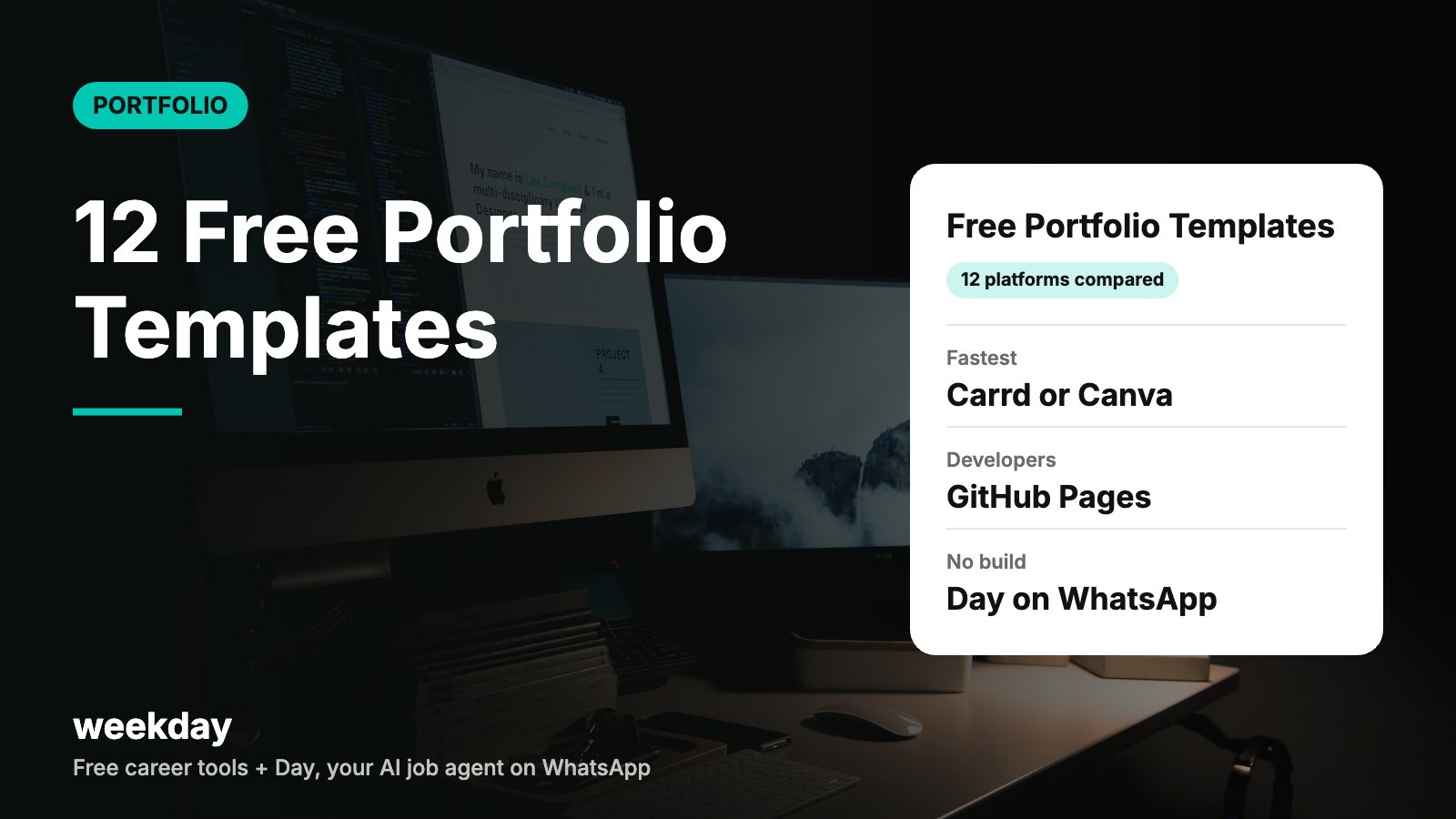
- 12 free template options, platform by platform
- Comparison table: free option, best for, output
- 3 copy-ready text structures: developer, designer, fresher
- How to pick in 2 minutes
- A worked example: same person, three platforms
- Most website builders' free plans publish on a branded subdomain and may show the platform's badge or ads; a custom domain usually needs a paid plan.
- GitHub Pages is free for public repositories, with sites up to 1 GB.
- Adobe Portfolio is included with Adobe Creative Cloud plans rather than sold as a free standalone tool.
- Day, Weekday's AI job agent, is free on WhatsApp at +91 90088 11889.
- Pricing and plan limits change often. Check each platform's current pricing page before you commit.
Sources: Platform help pages and pricing pages; GitHub Docs (checked November 2026). Not a paid ranking; we haven't scored these tools.
Send your resume to Day, Weekday's free AI agent on WhatsApp. It turns it into a cleaner, website-style portfolio you can show recruiters, finds jobs that fit, and applies only when you say yes.
Say hi to Day on WhatsAppHow Day works →12 free portfolio template options, by platform
These are listed by type of tool, not ranked. We describe what each one is and who it suits, based on publicly known features. Plans change, so confirm the free tier on each site.
1. Canva
A drag-and-drop design tool with a large library of website and portfolio templates. Canva can publish designs as simple one-page websites. Free plan: yes, with some templates and elements reserved for paid plans. Best for: designers, marketers and freshers who want something visual in an evening. Watch-out: layouts can look generic; change fonts and colours.
2. Notion
A notes and docs tool that lets you publish a page to the web. Many people share Notion portfolio templates you can duplicate. Free plan: yes for personal use. Best for: PMs, writers, analysts and anyone who thinks in documents. Watch-out: limited design control; it looks like a doc, which suits some roles more than others.
3. Framer
A visual website builder popular with designers, with many community templates (some free, some paid). Free plan: yes, on a Framer subdomain with a badge. Best for: UI/UX and product designers who want polished animations. Watch-out: a learning curve if you've never used a design tool.
4. Carrd
A simple builder for one-page sites. Free plan: yes, with a Carrd subdomain and limits on features. Best for: freshers and anyone who needs a clean single page fast. Watch-out: one page only, so long case studies don't fit well.
5. GitHub Pages (HTML)
Free hosting for static sites from a GitHub repository. You bring the template: plain HTML, a Jekyll theme or an open-source portfolio template. Free plan: yes for public repos. Best for: developers. Watch-out: needs basic HTML or Git. Follow our GitHub portfolio website guide for a ready template.
6. Google Sites
Google's free site builder, tied to your Google account. A handful of simple themes. Free plan: yes. Best for: teachers, students and non-tech roles who want something easy and stable. Watch-out: few design choices; it can look plain.
7. Behance
Adobe's community platform for creative work. You publish projects to a profile rather than build a site. Free plan: yes, with an Adobe account. Best for: graphic, brand, illustration and motion designers. Watch-out: it's a profile on a platform, not your own site.
8. Wix
A full website builder with many portfolio templates. Free plan: yes, with Wix branding and a Wix subdomain. Best for: photographers, freelancers and small businesses wanting a multi-page site. Watch-out: free sites show ads; check current pricing for a custom domain.
9. Webflow
A professional visual builder with a template marketplace (free and paid templates). Free plan: a starter plan on a webflow.io subdomain, with limits. Best for: designers who want control close to code. Watch-out: steeper learning curve than Canva or Carrd.
10. Adobe Portfolio
A portfolio site builder from Adobe that links with Behance. Free plan: included with Creative Cloud plans, so it's "free" only if you already pay for one. Best for: creatives already on Adobe tools. Watch-out: not a standalone free option.
11. Hostinger Website Builder
A drag-and-drop builder bundled with Hostinger hosting, with portfolio templates and AI-assisted setup. Free plan: mostly paid; offers and trials change, so check current pricing. Best for: people who want a custom domain and hosting in one place. Watch-out: renewal prices can differ from launch offers.
12. Day on WhatsApp (Weekday)
Not a template library. You send your resume to Day, Weekday's free AI agent on WhatsApp (+91 90088 11889), and Day can turn it into a better-designed, website-style portfolio you can show recruiters. Day also finds roles on Weekday that fit and applies only to the ones you approve. Free: yes. Best for: job seekers who want a portfolio without building a site. Learn more about AI job apply with Day, or see how a WhatsApp AI agent works.
Comparison table
Based on publicly described features as of November 2026. We haven't tested or scored these tools. Free plans and limits change; check each platform's pricing page.
| Platform | Free option | Best for | Output | Coding needed |
|---|---|---|---|---|
| Canva | Yes (some templates paid) | Quick visual one-pagers | Simple website on Canva domain | No |
| Notion | Yes (personal) | Doc-style portfolios | Public Notion page | No |
| Framer | Yes, with badge | Designers, animation | Website on Framer subdomain | No |
| Carrd | Yes, limited | Fast one-page sites | One-page site | No |
| GitHub Pages | Yes (public repos) | Developers | Static site, username.github.io | Some HTML |
| Google Sites | Yes | Simple, stable sites | Website on Google Sites | No |
| Behance | Yes | Creative work showcase | Profile on Behance | No |
| Wix | Yes, with ads | Multi-page sites | Website on Wix subdomain | No |
| Webflow | Limited starter plan | Design-heavy sites | Website on webflow.io | No, but technical |
| Adobe Portfolio | With Creative Cloud | Adobe users | Portfolio website | No |
| Hostinger Builder | Mostly paid; check offers | Custom domain + hosting | Full website | No |
| Day (Weekday) | Yes, free on WhatsApp | Job seekers short on time | Website-style portfolio from your resume | No |
3 copy-ready text structures
Any template looks good with strong text and weak with vague text. Paste one of these into your chosen template and replace every line with your own details.
Structure 1: Developer portfolio
[HERO]
Name | Backend Developer (Java, Spring Boot)
One line: I build reliable APIs for payments and logistics. 3 years at a Bengaluru fintech.
Button: Download resume · Button: GitHub

[FEATURED PROJECTS: 3 cards]
Title: Payment retry service: failed payments down 22%
What: Designed a retry queue with idempotency keys.
Stack: Java, Spring Boot, Kafka, PostgreSQL
Links: Code · Write-up

Title: Rate limiter library: used by 4 internal teams
What: Token-bucket limiter with Redis.
Stack: Java, Redis
Links: Code

Title: Personal project: expense tracker API
What: REST API with JWT auth and 90% test coverage.
Links: Code · Live docs

[SKILLS]
Java, Spring Boot, SQL, Kafka, Redis, Docker, AWS (EC2, S3), Git

[ABOUT: 80 words]
Who you are, what you enjoy, what role you want next and where.

[CONTACT]
Email · LinkedIn · GitHub · Resume PDF
Structure 2: Designer portfolio
[HERO]
Name | Product Designer (UI/UX)
One line: I design onboarding and checkout flows that people finish. Last redesign: sign-up drop-off down 18%.
Button: View case studies · Button: Resume

[CASE STUDIES: 3 tiles, each opens its own page]
Tile title: Fintech app onboarding: drop-off down 18%
Case study headings (use the same 5 every time):
1. The problem (2-3 lines, with a number)
2. My role and team (who, how long)
3. Research and insights (3 bullets)
4. Design decisions (before/after screens)
5. Result and what I'd do next

[OTHER WORK]
Small grid: icons, illustrations, side projects (label concept work)

[ABOUT]
Short story, tools (Figma, FigJam, Maze), what you're looking for

[CONTACT]
Email · LinkedIn · Dribbble or Behance · Resume PDF
Structure 3: Fresher portfolio
[HERO]
Name | B.Tech CSE 2026 | Aspiring Data Analyst
One line: I use SQL, Excel and Power BI to answer business questions. Available from June 2026.
Button: Download resume

[PROJECTS: 3]
Project 1: Which products drive returns? (Kaggle e-commerce data)
Question → Method (SQL + Power BI) → Answer: 2 categories caused 61% of returns.

Project 2: Internship at a D2C brand (8 weeks)
Built a weekly sales report; cut manual work from 5 hours to 1.

Project 3: College fest analytics
Tracked 3,000 registrations; found the best day to post on Instagram.

[EDUCATION AND ACHIEVEMENTS]
Degree, CGPA, 1-2 certificates, 1 competition result

[SKILLS]
SQL, Excel, Power BI, Python (pandas), Google Sheets

[CONTACT]
Email · LinkedIn · Phone (optional) · Resume PDF
Need more layout ideas? Browse 30 portfolio website examples by role, or read the UI/UX portfolio guide for full case-study writing.
How to pick a template in 2 minutes
| If you are… | And you want… | Pick |
|---|---|---|
| A developer | Full control and credibility with tech recruiters | GitHub Pages |
| A UI/UX or product designer | Polish and case-study pages | Framer or Webflow |
| A graphic or brand designer | Reach in a creative community | Behance (plus a one-pager) |
| A PM, writer or analyst | Text-first, easy updates | Notion |
| A fresher | Done tonight, looks clean | Carrd or Canva |
| In sales, ops, finance or HR | Simple and professional | Google Sites or Carrd |
| A freelancer | Custom domain and several pages | Wix or Hostinger (check pricing) |
| Busy job-hunting | A portfolio without building one | Day on WhatsApp |
Three rules beat any template choice:
- Mobile first. Open your site on your phone before you share it. Many recruiters will.
- One link everywhere. Use the same URL on your resume, LinkedIn and job applications.
- Numbers in every project. "Cut report time from 5 hours to 1" beats "made reports".
Worked example: same person, three platforms
Arjun is a 2026 BBA graduate applying for marketing roles. He has 2 internships and 1 college campaign.
| Option | Time to build | Cost | Result |
|---|---|---|---|
| Carrd one-pager | About 2 hours | ₹0 on free plan | Clean single page on a Carrd subdomain |
| Notion page | About 1 hour | ₹0 | Doc-style page, easy to update weekly |
| Day on WhatsApp | Send resume, then review | ₹0 | Website-style portfolio from his resume, plus matching jobs |
He picks Carrd for the look, then sends his resume to Day, Weekday’s AI job agent to find roles. Either way, the work that wins interviews is the same: a clear hero line, three projects with numbers and an easy way to contact him. For more ways to build, see how to make a portfolio.
FAQs
What is the best free portfolio website template?
There's no single best. Developers often use GitHub Pages, designers Framer, Webflow or Behance, and freshers Canva, Carrd or Notion. Pick based on your role and how much time you have.
Can I make a portfolio website for free?
Yes. Canva, Notion, Carrd, Google Sites, Behance, GitHub Pages and the free plans of Wix, Framer and Webflow all let you publish at no cost, usually on a branded subdomain.
Do I need a custom domain for my portfolio?
No. A free subdomain is fine for job applications. A custom domain looks a little more professional and is easy to add later.
Which portfolio template is best for freshers?
A one-page template on Carrd, Canva or Notion is usually enough. Use the fresher text structure in this guide.
Are Notion portfolios good enough for recruiters?
For PMs, writers and analysts, yes. Keep it short and well-structured. Designers usually need a more visual platform.
Is Adobe Portfolio free?
It's included with Adobe Creative Cloud plans, so it's free only if you already pay for one. Behance is free with an Adobe account.
Can I use a free template for a developer portfolio?
Yes. Use the HTML template in our GitHub portfolio guide or a Jekyll theme on GitHub Pages.
How do I make my template not look generic?
Change fonts and colours, use your own photos and screenshots, and write specific project text with numbers.
Can AI make my portfolio from my resume?
Yes. Day, Weekday's free AI agent on WhatsApp, can turn your resume into a website-style portfolio. Always check the details before you share it.