Last updated: 23 November 2026 · Based on a Weekday analysis of 148 LinkedIn hiring posts
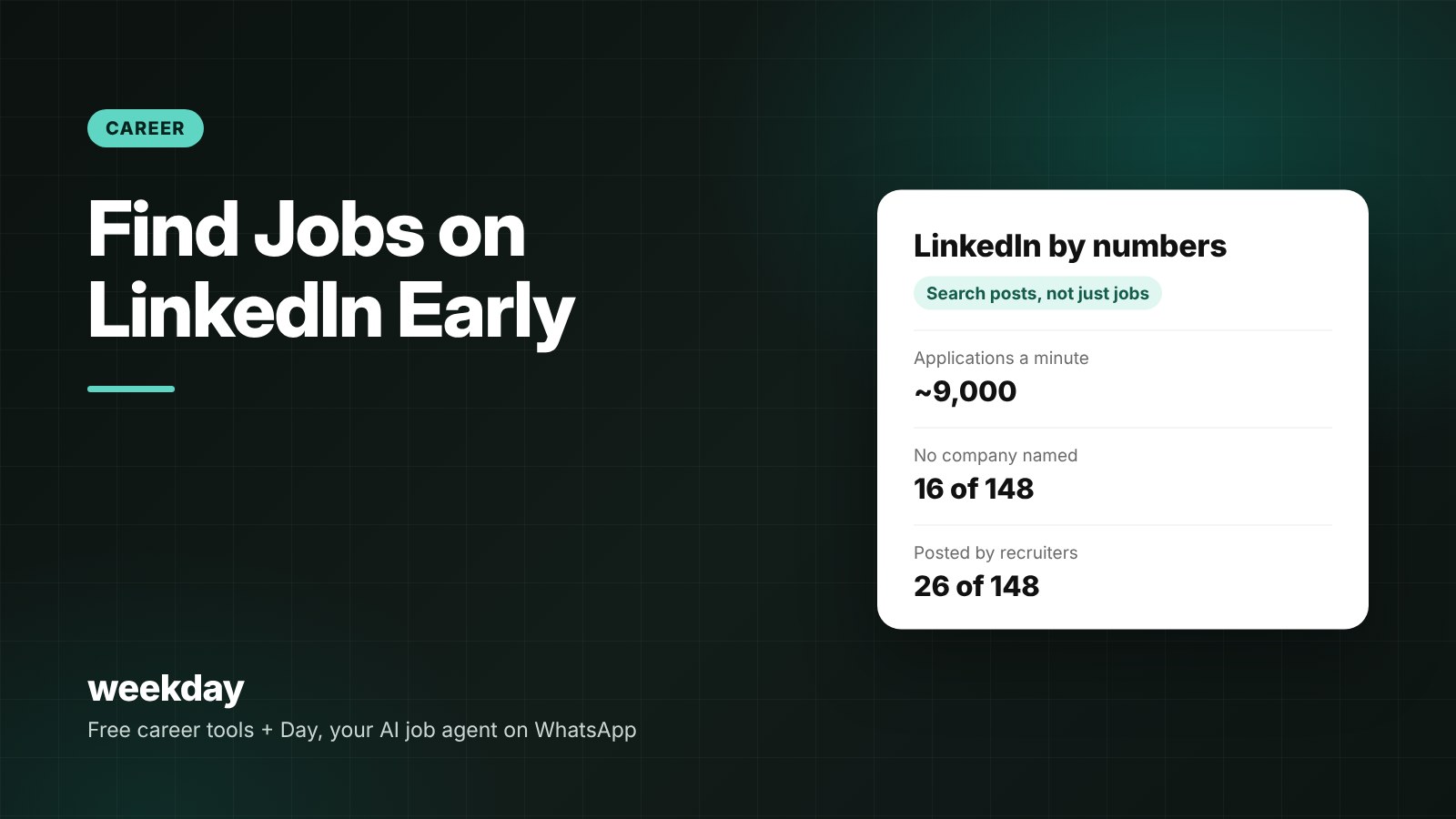
LinkedIn says about 9,000 job applications are submitted on it every minute (LinkedIn About Us). If you only use the Jobs tab, you're in that queue with everyone else.
There's a second way in. Founders, hiring managers and recruiters post "we're hiring" updates in the feed, often before the role reaches a job board, and sometimes instead of one. One developer on r/developersIndia applied to a company through a LinkedIn post instead of the job board, finished the take-home task within six hours, and got an interview invite three days later (thread).
We tracked 148 of these hiring posts in November 2026. Here's what they look like, how to find them, and how to reply so you get a response.
Short answer: To find jobs on LinkedIn early, search for posts, not just jobs. Type "hiring" plus your role plus your city in the search bar, open the Posts tab, and sort by latest with the date set to the past 24 hours or past week. In our sample of 148 hiring posts, 16 didn't name the company at all and 26 were posted by recruiters for a client, so a company-name search would miss them. Reply within a day with a short message and one piece of proof. Set Jobs tab alerts too, so you cover both.
Two ways jobs show up on LinkedIn
| Jobs tab listing | Hiring post in the feed | |
|---|---|---|
| Who posts it | The company or its recruiter, through LinkedIn Jobs | A founder, manager, recruiter or team member, as a normal post |
| How you apply | Easy Apply or the company's careers page | DM, email, comment, form or careers page |
| Competition | Shows the applicant count, often high | No count, and many people miss it |
| Who reads your application | Often an ATS first | Often the person who posted |
| How to find it | Jobs search and alerts | Post search, following people, notifications |
What 148 LinkedIn hiring posts taught us
We collected 148 hiring posts from LinkedIn between 14 and 23 November 2026 and tagged each one by company, role type, location, work mode and pay (Weekday analysis of 148 LinkedIn hiring posts, Nov 2026).
| What we counted | Posts |
|---|---|
| Engineering roles | 73 |
| Non-engineering roles (sales, design, ops, marketing, support) | 75 |
| Didn't name the hiring company | 16 |
| Posted by a recruiter or agency for a client | 26 |
| Gave a pay figure | 23 |
| Asked for immediate joiners or short notice | 13 |
| Mentioned remote work | 25 |
Three lessons:
- It's not just tech. Half the posts were for non-engineering roles. Sales, design, operations and founder's office roles get posted this way too.
- Company search misses a lot. 42 of 148 posts either hid the company name or came from a recruiter posting for a client. You only find those by searching the words in the post.
- Pay is usually missing. Only 23 posts gave a number. Have your expected range ready before you reply. Our expected CTC guide helps you set it.
How to find hiring posts on LinkedIn: step by step
- Search the right words. In the LinkedIn search bar, type something like hiring backend engineer Bangalore or "we're hiring" product designer. Try variations people actually write: "we're hiring", "#hiring", "join our team", "looking for", "DM me".
- Switch to the Posts tab. The default search shows people and companies. Click "Posts" to see the actual hiring updates.
- Sort by latest and set a date. Use "Latest" and set "Date posted" to the past 24 hours or past week. Fresh posts have fewer replies.
- Use simple Boolean search. LinkedIn search accepts AND, OR, NOT and quotes. For example: hiring AND (React OR frontend) AND (Bangalore OR remote) NOT intern.
- Try startup words. In a r/developersIndia thread on finding startups that are hiring, people suggested searching for "building" and "stealth", since early teams often hire before they have a company page.
- Follow the right people. Follow founders, engineering managers and recruiters in your field, and turn on notifications for the ones who post often. Their next hiring post lands in your notifications, not lost in the feed.
- Run the Jobs tab in parallel. Set job alerts with your role, city and "Remote" filter, and filter by "Past 24 hours". Posts and listings cover different roles, so use both.
- Repeat daily for 10 minutes. The win here is speed. A short daily search beats a long weekly one.
How to reply to a hiring post
Most hiring posts get a wall of "Interested" comments. Those rarely go anywhere. Do this instead.
1. Follow the instruction in the post
If it says "email your resume" or "apply on the link", do exactly that first. Ignoring the instruction is the fastest way to get skipped.
2. Send a short DM or email
Hi Ananya, saw your post about the SDE 2 backend role. I've spent 3 years on Java and Spring Boot at a fintech, and last quarter I cut our payment API latency by 40%. Here's my resume and GitHub: [links]. Notice period is 30 days. Happy to do a quick call this week.
Four things: the role, your strongest relevant result, links, and your notice period. That's all the poster needs to say yes to a call. Swap the numbers for your own real ones.
3. Comment only if you add something
If you comment, make it specific: "Shared my profile over DM. I've built two React Native apps with 10K+ users." It shows the poster you're worth opening.
4. Follow up once
No reply in 3 to 4 days? Send one short follow-up. If there's still nothing, move on.
Not sure your profile is ready? Fix your headline, turn on Open to Work and upload your resume before you start messaging.
Red flags in LinkedIn hiring posts
Most hiring posts are real. A few aren't worth your time. In our 148 posts we saw:
- Unpaid work called "collaboration". One post asked developers to join an early-stage project with no pay.
- Paid trials before a contract. Two remote posts used a paid trial first. One was 15 days at ₹8,000-12,000.
- Commission-only roles. One fully remote sales role paid commission and no base.
Also watch for anyone asking for a fee, a "registration" charge or your bank details before an offer. Real employers don't do that.
Why LinkedIn feels dead, and what to do about it
A popular r/developersIndia thread from March 2026 opened with the line that LinkedIn felt dead, with zero responses (thread). In a later thread on what's working, people credited Naukri, company career pages and referrals, and one commenter said recruiters on job portals often filter for short notice periods and recently active profiles first (thread).
The fix isn't to quit LinkedIn. It's to stop treating it as a job board only. Use the Jobs tab for volume, hiring posts for early access, and your network for referrals. If a post leads to a company you like, a short cold email to the hiring manager works too.
Don't want to refresh LinkedIn all day?
Day is Weekday's free AI job agent on WhatsApp. Tell it your role, experience and city once. It finds roles that fit on Weekday, messages you when new ones open, and applies only when you say yes.
Frequently asked questions
How do I find hiring posts on LinkedIn?
Type "hiring" plus your role and city into LinkedIn search, open the Posts tab, sort by Latest and set the date to the past 24 hours or past week. Try other phrases like "we're hiring" and "#hiring", and follow founders and recruiters in your field.
Are LinkedIn hiring posts better than the Jobs tab?
They're different. Hiring posts often reach you earlier and are read by the person who posted, while Jobs tab listings are easier to filter and set alerts for. Use both. In our sample of 148 posts, 42 hid the company name or came from a recruiter for a client, so they wouldn't show up in a company search.
How do I reply to a LinkedIn hiring post?
Follow the instruction in the post first. Then send a short DM or email with the role name, your strongest relevant result, your resume and links, and your notice period. Skip "Interested" comments.
Which LinkedIn search filters help find new jobs?
On the Posts tab, use "Latest" and a "Date posted" filter. On the Jobs tab, use "Past 24 hours", your experience level, location and the Remote filter, and save the search as a job alert.
Why am I not getting replies on LinkedIn?
Common reasons are applying late, sending a generic message, a weak headline, or no proof of work. Apply within a day of the post, keep your message to four lines, and link to something you've built.
Sources
- Weekday analysis of 148 LinkedIn hiring posts, 14-23 November 2026. We counted role type, whether the company was named, who posted, pay, notice period and work mode.
- LinkedIn About Us: platform statistics (read 23 November 2026)
- r/developersIndia: Which platforms are working for recruiter calls in 2026?