Last updated: 5 November 2026
- The 3 ways, and which one to use
- Step tables for Desktop, Android and iPhone
- File rules: format, size and naming
- Who can see your resume after upload
- Troubleshooting failed uploads
- Privacy checklist for the public option
- Accepted formats: PDF, DOC, DOCX. Easy Apply caps files at 2 MB.
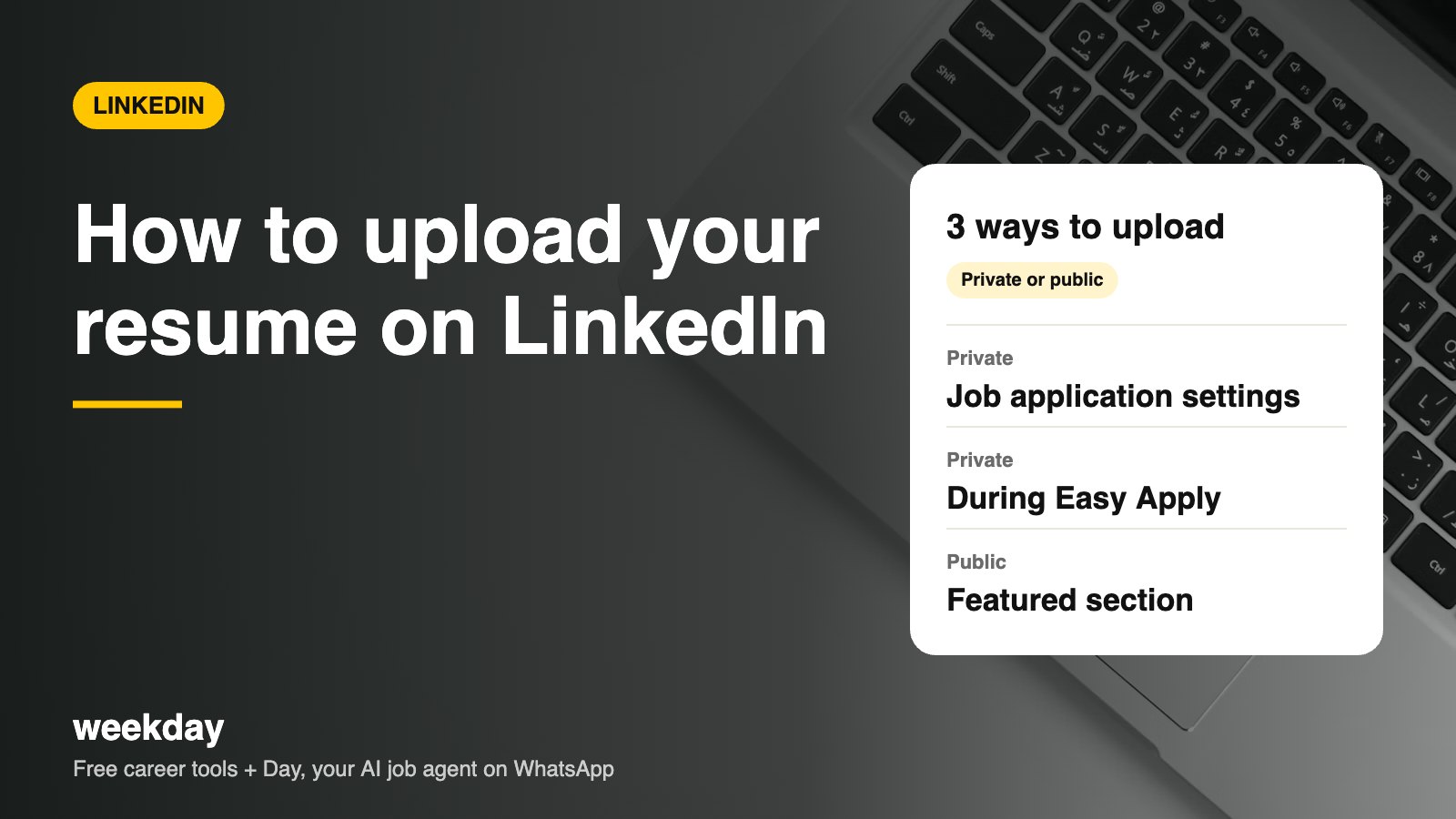
- LinkedIn keeps your most recent resumes (usually up to 4) in Job application settings so you can pick one each time.
- Resumes saved for Easy Apply are seen only by employers you apply to, not your network.
- Anything in the Featured section is public to anyone who views your profile, and can be downloaded.
- LinkedIn has over 100 million members in India, so recruiters here search it daily.
Sources: LinkedIn Help Center (job application settings, Easy Apply, Featured), checked November 2026.
Day, Weekday's free AI job agent, finds jobs that match your resume and applies when you say yes. On WhatsApp.
Say hi to Day on WhatsAppHow Day works →The 3 ways, and which one to use
| Way | Who sees it | Best for | Watch out for |
|---|---|---|---|
| 1. Job application settings | Only employers you apply to via Easy Apply | Saving 1–4 versions to reuse quickly | Old versions linger; delete outdated ones |
| 2. Upload while applying | Only that one employer | Tailored resumes for each job (best practice) | Easy to send the wrong version; check the file name |
| 3. Featured section | Everyone who views your profile | Freelancers, designers, writers, students with a portfolio | Remove your phone number and address first |
Our advice for most people: save one general resume using Way 1, tailor it for jobs you really want using Way 2, and skip Way 3 unless you're a freelancer or fresher with a portfolio to show.
Way 1: Save your resume in Job application settings
Desktop
| Step | What to do |
|---|---|
| 1 | Click Me (top right) → Settings & Privacy. |
| 2 | Click Data privacy in the left menu. |
| 3 | Under Job seeking preferences, click Job application settings. |
| 4 | Click Upload resume and choose your PDF or DOCX. |
| 5 | Optional: switch on Save and manage your answers so screening answers are reused. |
Android
| Step | What to do |
|---|---|
| 1 | Tap your profile photo → Settings. |
| 2 | Tap Data privacy → Job application settings. |
| 3 | Tap Upload resume. |
| 4 | Pick the file from Downloads, Files or Google Drive. |
| 5 | Wait for the tick, then go back. |
iPhone
| Step | What to do |
|---|---|
| 1 | Tap your profile photo → Settings. |
| 2 | Tap Data privacy → Job application settings. |
| 3 | Tap Upload resume. |
| 4 | Choose Browse to open the Files app (iCloud Drive, On My iPhone or Google Drive). |
| 5 | Tap the file. If it's in WhatsApp or Mail, first use Share → Save to Files. |
Way 2: Upload while applying with Easy Apply
| Step | Desktop | Android | iPhone |
|---|---|---|---|
| 1 | Open a job with the Easy Apply button | Same, in the Jobs tab | Same, in the Jobs tab |
| 2 | Check contact details, click Next | Tap Next | Tap Next |
| 3 | On the Resume step, click Upload resume | Tap Upload resume | Tap Upload resume → Browse |
| 4 | Pick the tailored file; tick it as selected | Pick from Files / Drive | Pick from the Files app |
| 5 | Answer screening questions, Review, Submit | Same | Same |
Some jobs don't have Easy Apply. The Apply button takes you to the company's own careers site, which usually runs an ATS like Workday or Greenhouse. You upload your resume there instead, so make sure it's ATS-friendly.
Way 3: Add it to your profile's Featured section
| Step | Desktop | Android / iPhone |
|---|---|---|
| 1 | Go to your profile → Add profile section | Profile → Add section |
| 2 | Recommended → Add featured | Recommended → Add featured |
| 3 | Click + → Add media | Tap + → Add media |
| 4 | Choose your PDF | Choose the PDF from Files / Drive |
| 5 | Add a title like "Resume – Data Analyst (2026)" and a one-line description | Same |
| 6 | Click Save | Tap Save |
LinkedIn moves menu labels around now and then, and the Android and iPhone apps don't always update on the same day. If a label looks slightly different on your screen, look for the closest match.
File rules: format, size and naming
| Rule | Do | Avoid |
|---|---|---|
| Format | PDF exported from Word or Google Docs; DOCX also works | Images, scanned PDFs, Pages files |
| Size | Under 2 MB (most text resumes are 100–300 KB) | Embedded photos or fonts that bloat the file |
| Name | Priya_Sharma_Data_Analyst_Resume.pdf | Resume_final_new(2).pdf |
| Layout | One column, standard headings | Two columns, icons, skill bars |
| Contact details | Phone + email for private uploads; email only for Featured | Full home address, Aadhaar or PAN number |
Quick fix for 'file too large'
Large PDF? In Word: File → Save As → PDF → choose 'Minimum size'.
In Google Docs: File → Download → PDF (usually already small).
Still big? Remove the photo or logo and re-export.
What happens after you upload
| Where you uploaded | Who can see it | How long it stays | How to remove it |
|---|---|---|---|
| Job application settings | Only employers you send it to | Until you delete it; older files get replaced as you add new ones | Settings → Data privacy → Job application settings → ⋯ → Delete |
| Easy Apply | The hiring team for that job | With the employer for as long as they keep applications | You can't pull back a submitted application file |
| Featured section | Anyone viewing your profile; downloadable | Until you remove it | Profile → Featured → pencil → Delete |
Uploading a resume does not tell your network you're job hunting. If you also want recruiters to find you, turn on Open to Work (recruiters-only if you're employed).
Troubleshooting
| Problem | Likely cause | Fix |
|---|---|---|
| "Upload failed" | File over 2 MB or weak network | Compress the PDF; switch to Wi-Fi and retry |
| File greyed out in picker | Unsupported format (JPG, Pages, ODT) | Export to PDF or DOCX |
| Can't find the file on iPhone | It's inside WhatsApp or Mail | Share → Save to Files, then upload |
| Can't find the file on Android | It's in a WhatsApp folder | Open Files → Documents or WhatsApp → Media → Documents |
| No Easy Apply button | Employer uses its own site | Click Apply and upload on the company site |
| Wrong resume was sent | Old saved file was selected | You can't edit a sent application; message the recruiter with the right file |
| Featured option missing | Section not added yet | Use Add profile section → Recommended → Add featured |
| Resume text looks jumbled to recruiters | Two-column or designed template | Switch to a single-column version |
Message if you sent the wrong resume
Hi Neha, I applied for the Data Analyst role (Job ID 4021) yesterday via Easy Apply and attached an older version of my resume by mistake. I've attached the updated one here. It includes my recent Power BI work at ShopKart. Thanks, Rahul
Tailor before you upload: a 10-minute routine
Easy Apply makes it tempting to send the same file to 50 jobs. Recruiters then see a resume that doesn't use their words, and an ATS search for their must-have skills skips you. A short routine fixes most of this.
- Copy the job's must-have skills into a note (usually 6–10 terms).
- Check which ones are already in your resume, using the same spelling.
- Add any you genuinely have to your Skills line and to one bullet with a number.
- Change your summary's first line to the exact job title in the posting.
- Move your most relevant bullet to the top of your latest role.
- Export as PDF and name it with the role: Rahul_Verma_Product_Analyst.pdf.
- Upload it in the Easy Apply flow (Way 2) and select it before submitting.
| Job type | Which version to upload | Example file name |
|---|---|---|
| Same role as your current one | Your saved general resume (Way 1) | Priya_Sharma_Data_Analyst.pdf |
| A job you really want | A tailored copy (Way 2) | Priya_Sharma_Data_Analyst_Swiggy.pdf |
| A stretch role (one level up) | Tailored, leading with leadership bullets | Priya_Sharma_Senior_Analyst.pdf |
| A different function | A separate version with a bridge summary | Priya_Sharma_Business_Analyst.pdf |
Easy Apply screening questions: sample answers
After the resume step, many jobs ask a few questions. These often work as filters, so answer clearly and keep them consistent with your resume.
Sample screening answers
How many years of experience do you have with SQL?  →  3
What is your notice period?  →  30 days (can negotiate to 15)
Current CTC?  →  ₹7.2 LPA
Expected CTC?  →  ₹10–11 LPA
Are you comfortable working from Bengaluru (hybrid)?  →  Yes
Do you have a valid work permit for India?  →  Yes
Not sure what your expected CTC means in monthly take-home? Check it with the free in-hand salary calculator before you type a number.
Your resume vs your LinkedIn profile
Recruiters often look at both, so they should agree on dates, titles and companies. They don't need to be identical.
| Resume (uploaded file) | LinkedIn profile | |
|---|---|---|
| Length | 1–2 pages | As long as useful; About up to 2,600 characters |
| Tailored per job? | Yes | No; written for the role family you want |
| Tone | Formal, bullets only | First person, a bit warmer |
| Contact details | Phone and email | Email in Contact info; phone optional |
| Salary and notice period | Never on the file | Only in private application answers |
Privacy checklist for the public (Featured) option
- Keep only your email, city and LinkedIn link. Remove your phone number.
- Remove your full address, date of birth, Aadhaar, PAN and father's name.
- Don't list current salary or expected CTC.
- If you're employed and job hunting quietly, don't use Featured; it's visible to your colleagues.
Next: share your LinkedIn profile link on your resume and WhatsApp.
FAQs
Can I upload my resume on LinkedIn from my phone?
Yes. On Android or iPhone, go to Settings → Data privacy → Job application settings → Upload resume, or upload it during Easy Apply.
Is my uploaded resume visible to everyone?
Only if you add it to the Featured section. Resumes saved in Job application settings or sent via Easy Apply go only to employers you apply to.
Which format should I upload?
A text-based PDF is safest. DOC and DOCX also work. Keep it under 2 MB.
How many resumes can I save on LinkedIn?
LinkedIn usually keeps your four most recent resumes in Job application settings.
Can recruiters download my resume from LinkedIn?
Yes, if it's in your Featured section. Employers you apply to can see and download the file you sent.
How do I delete a resume from LinkedIn?
Settings → Data privacy → Job application settings → tap ⋯ next to the file → Delete. For Featured, edit the section and remove it.
Why does my resume upload keep failing?
Usually the file is over 2 MB, in an unsupported format, or the network dropped. Compress it, export as PDF and retry.
Does uploading a resume tell my employer I'm job hunting?
No. Saved and Easy Apply resumes are private. Only Featured uploads are public.
Can I upload more than one resume on LinkedIn?
Yes. Job application settings keeps several recent files, and you can upload a different one during each Easy Apply.
Should I add my resume to the Featured section?
Only if you're a fresher, freelancer or portfolio-based professional and comfortable with it being public. Remove your phone number first.