Last updated: 5 November 2026
- Step tables for Desktop, Android and iPhone
- Recruiters only vs All members: who sees what
- What each job preference field does
- Does it actually help? The honest trade-offs
- What happens after you turn it on
- Troubleshooting, sample posts and recruiter replies
- Free on every LinkedIn account; no Premium needed.
- You can add up to 5 job titles, plus locations, workplace type (on-site, hybrid, remote), start date and employment type.
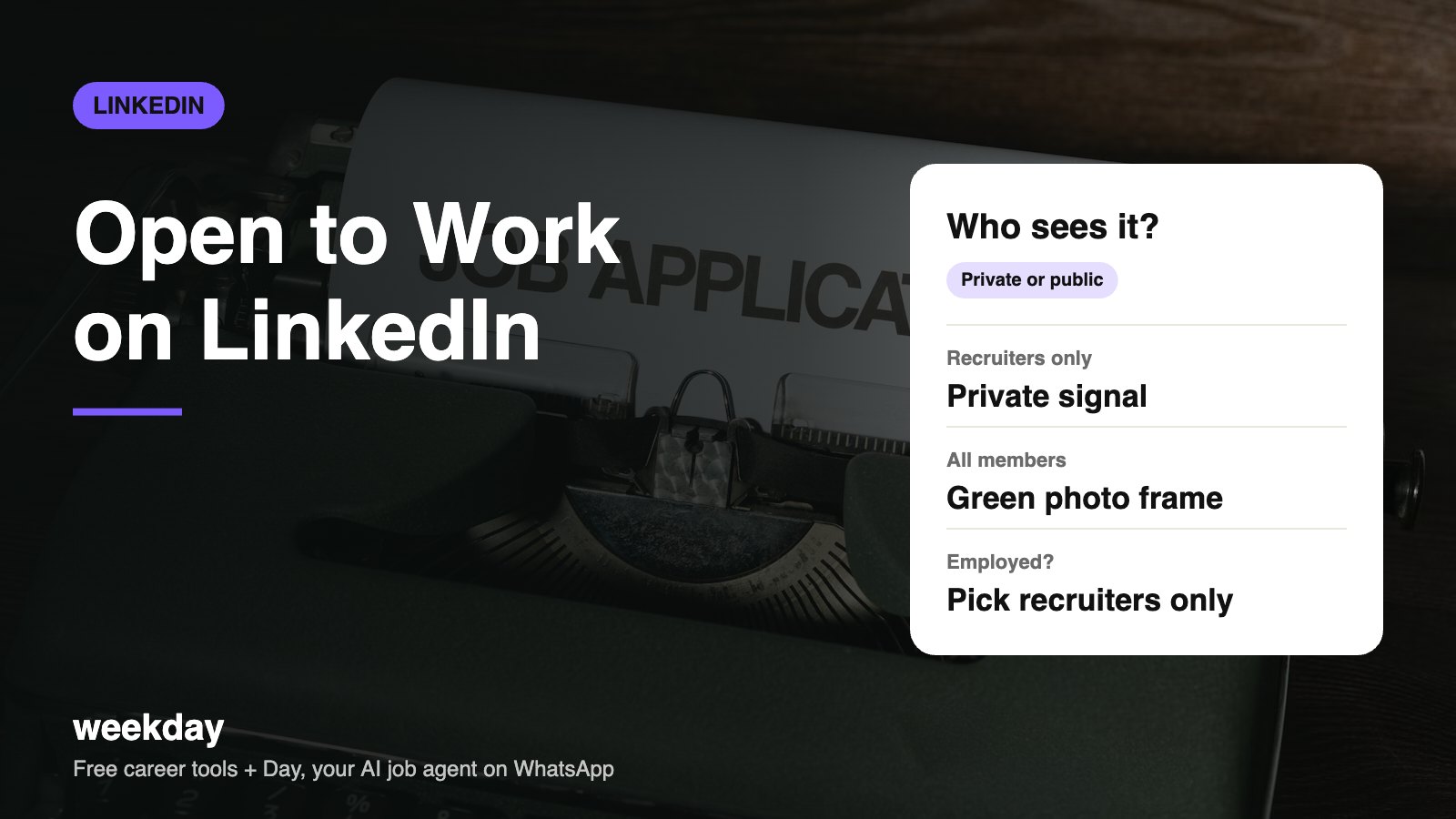
- Recruiters only: visible to people using LinkedIn Recruiter. LinkedIn takes steps to hide it from recruiters at your current company but says it can't guarantee this.
- All LinkedIn members: adds a green #OpenToWork frame to your photo, visible to everyone, including colleagues.
- Your headline (up to 220 characters) should use the same job titles you add here.
Sources: LinkedIn Help Center (Open to Work, job seeking preferences), checked November 2026.
Day, Weekday's free AI job agent, finds matching jobs and applies when you say yes, on WhatsApp. Nobody at your company sees a thing.
Say hi to Day on WhatsAppHow Day works →How to turn on Open to Work on Desktop
| Step | What to do |
|---|---|
| 1 | Click Me → View profile. |
| 2 | Click Open to under your name and headline. |
| 3 | Choose Finding a new job. |
| 4 | Add up to 5 job titles (pick from LinkedIn's suggestions as you type). |
| 5 | Set workplace type, locations, start date and employment type. |
| 6 | Under Visibility, choose Recruiters only or All LinkedIn members. |
| 7 | Click Add to profile. Optionally share a post when prompted (skip it if job hunting quietly). |
How to turn it on in the Android app
| Step | What to do |
|---|---|
| 1 | Tap your profile photo → View profile. |
| 2 | Tap Open to (the button below your headline). |
| 3 | Tap Finding a new job. |
| 4 | Add job titles, locations, workplace type, start date and job types. |
| 5 | Scroll to Visibility and pick Recruiters only or All LinkedIn members. |
| 6 | Tap Add to profile. Untick the post option if you don't want your network notified. |
How to turn it on on iPhone
| Step | What to do |
|---|---|
| 1 | Tap your profile photo → View profile. |
| 2 | Tap Open to → Finding a new job. |
| 3 | Fill in job titles and locations; use the keyboard's suggestions to pick LinkedIn's standard titles. |
| 4 | Set workplace type, start date and job types. |
| 5 | Choose visibility, then tap Add to profile (top right on some versions). |
| 6 | If you choose All members, check the green frame on your photo before you leave the screen. |
LinkedIn moves menu labels around now and then, and the Android and iPhone apps don't always update on the same day. If a label looks slightly different on your screen, look for the closest match.
Recruiters only vs All LinkedIn members
| Recruiters only | All LinkedIn members | |
|---|---|---|
| Who sees it | Recruiters using LinkedIn Recruiter | Everyone, via a green #OpenToWork frame and a card on your profile |
| Your current employer | LinkedIn tries to hide it from recruiters at your company, but can't guarantee it | Everyone at your company can see it |
| Recruiter searches | You can show up in the "open to work" filter | Same, plus people in your network notice and may refer you |
| Best for | Employed people, people on notice, senior roles | Freshers, people between jobs, after layoffs, contract roles ending |
| Risk | Low | Some recruiters read it as urgency; colleagues will see it |
Which one should you pick?
| Your situation | Our suggestion | Why |
|---|---|---|
| Employed, manager doesn't know | Recruiters only | Lowest risk of your team finding out |
| Serving notice period | Recruiters only, add start date | Recruiters filter by joining date; see notice period rules |
| Laid off | All members | Your network can refer you; layoffs are common and understood |
| Fresher or final-year student | All members | Signals availability; no employer to worry about |
| Contract ending in 2–3 months | Recruiters only, then All members near the end | Avoids awkwardness with the current client |
| Senior leader (Director+) | Recruiters only, plus direct outreach | Senior hiring is mostly referral and search firms |
What each job preference field does
| Field | What it does | Tip |
|---|---|---|
| Job titles (up to 5) | Matches you to recruiter searches and job alerts | Use standard titles: "Data Analyst", not "Data Ninja" |
| Workplace type | On-site, hybrid or remote | Tick all you'd accept; fewer ticks = fewer matches |
| Locations (on-site) | Cities you'd work in | Add 2–4 cities, e.g. Bengaluru, Hyderabad, Pune |
| Remote locations | Countries for remote work | India is usually enough unless you hold other work rights |
| Start date | Immediately or flexible | Choose 'Immediately' only if you can join within ~30 days |
| Employment type | Full-time, part-time, contract, internship, temporary | Freshers: tick internship too |
Does Open to Work actually help?
It helps you show up when recruiters use LinkedIn's "open to work" filter, which they often do because these candidates reply more. The setting won't fix a weak profile, though. A recruiter who finds you still reads your headline, current role and skills in a few seconds.
The green frame is the debated part. Some hiring managers see it as a useful signal; a few see it as urgency. For freshers and people after a layoff, the extra referrals from your own network usually outweigh that risk. For people still employed, the recruiters-only setting gets most of the benefit without the exposure.
| Pros | Cons |
|---|---|
| Appear in recruiter filters for your chosen titles | Green frame is visible to colleagues and your manager |
| Network can refer you (green frame) | Some recruiters may assume you'll take a lower offer |
| Job alerts tuned to your preferences | Recruiters-only can't guarantee your employer won't see it |
| Free and reversible in seconds | More recruiter messages to sort through |
What happens after you turn it on
| When | What usually happens |
|---|---|
| Immediately | Your preferences card appears on your profile (visible only to you if Recruiters only) |
| First week | Job alerts adjust to your titles and locations; some recruiter InMails may arrive |
| Ongoing | You show up in recruiter searches using the open-to-work filter |
| When you get a job | Turn it off; LinkedIn may also prompt you when you add a new position |
Make it work harder
- Match your headline to the titles you added.
- Add the top skills from job descriptions you want to your Skills section.
- Save your resume for Easy Apply so you can respond fast: how to upload your resume on LinkedIn.
- Post or comment once a week. Active profiles are easier to find and remember.
- Reply to recruiters within 24 hours, even if it's a polite no.
Sample post to share with the green frame (after a layoff)
Hi everyone, after 3 years at ShopKart, my role was impacted by the recent restructuring. I'm now looking for Data Analyst roles (SQL, Python, Power BI) in Bengaluru or remote, available immediately.

In my last role I built dashboards used by 40 category managers and ran 6 A/B tests on checkout. If you know of an opening or can refer me, I'd be grateful. Thank you!
Replying to a recruiter's InMail
Hi Kavya, thanks for reaching out about the Senior Analyst role at Meesho. It looks like a strong fit with my experience in e-commerce analytics. I'm currently serving a 60-day notice, ending 15 January 2027. Could you share the JD and CTC range? Happy to talk this week.
Politely declining a mismatch
Hi Arjun, thanks for thinking of me. I'm not looking at sales roles right now; I'm focused on customer success positions in SaaS. If one comes up, I'd love to hear about it!
Open to Work vs other job-seeking settings
Open to Work is one of several settings that help recruiters find you. They work best together.
| Setting | What it does | Where | Visible to |
|---|---|---|---|
| Open to Work | Tells recruiters you're available for specific roles | Profile → Open to | Recruiters, or everyone |
| Job alerts | Emails or notifies you about new matching jobs | Jobs → search → Set alert | Only you |
| Job application settings | Saves resumes and answers for Easy Apply | Settings → Data privacy | Employers you apply to |
| Share profile when you apply | Lets the job poster see your profile with your application | Settings → Data privacy → Job application settings | Employers you apply to |
| Profile updates toggle | Stops your network being notified when you edit your profile | Settings → Visibility → Share profile updates | Your network |
A quiet setup for employed job seekers: Open to Work (Recruiters only) + job alerts + saved resume + profile updates turned off. Your colleagues see nothing new, and recruiters can still find you.
Troubleshooting
| Problem | Likely cause | Fix |
|---|---|---|
| No Open to button | Older app or profile not fully set up | Update the app; add a current position or education |
| Green frame not showing | Visibility set to Recruiters only | Edit the card → Visibility → All LinkedIn members |
| Want to switch from green frame to private | Visibility setting | Pencil on the card → change to Recruiters only → Save |
| Job title not accepted | Non-standard title typed | Pick a suggestion from the dropdown |
| Too many irrelevant recruiter messages | Titles or job types too broad | Narrow titles; untick contract or internship |
| Want to turn it off | Search is over | Pencil on the card → Delete from profile |
To turn it off on any device: open your profile, tap the pencil on the Open to Work card, and choose Delete from profile. Deleting it also removes the green frame.
FAQs
How do I turn on Open to Work on LinkedIn?
Profile → Open to → Finding a new job → add job preferences → choose visibility → Add to profile. The steps are the same in the Android and iPhone apps.
Can my current employer see Open to Work?
With 'Recruiters only', LinkedIn tries to hide it from recruiters at your company but can't guarantee it. The green frame is visible to everyone, including colleagues.
Does the green Open to Work frame look desperate?
Opinions vary. It's widely used by freshers and people between jobs, and many recruiters view it neutrally or positively.
How many job titles can I add?
Up to 5. Use standard titles recruiters search for.
Is Open to Work free?
Yes, it's available on every free LinkedIn account.
How do I remove Open to Work?
Click the pencil on the Open to Work card on your profile and choose Delete from profile.
How do I remove the green frame but stay open to recruiters?
Edit the card and change visibility from All LinkedIn members to Recruiters only.
Does Open to Work help freshers?
Yes. Freshers have no employer to worry about, and the green frame helps your network refer you.
Do recruiters see my salary expectations from Open to Work?
No. Open to Work doesn't include salary. Recruiters ask for current and expected CTC when they contact you or in screening questions.
Should I turn on Open to Work while serving notice?
Yes, with Recruiters only and your real start date, so recruiters filtering by joining date find you.